
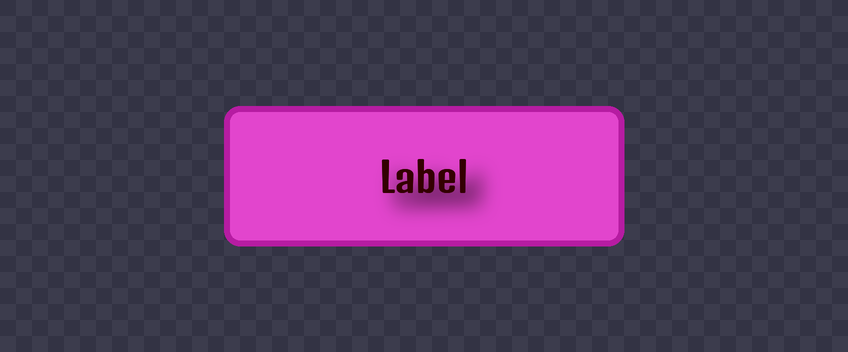
Beta-feature guide · Verified: October 18, 2026 (UTC). Sources: [Creator Hub](https://create.roblox.com/docs/ui/appearance-modifiers) and [UIShadow](https://create.roblox.com/docs/reference/engine/classes/UIShadow).
Letters or rectangle: choose the mode
UIShadow.Mode distinguishes Shape, which follows an element's rectangular shape, from Text, which follows its letters. Text works with TextLabel, TextButton and TextBox; it does not trace an image's silhouette.
Minimal test
The expanded capabilities require File → Beta Features → Upgraded UIShadows.
- Add UIShadow as a child of a TextLabel.
- Set Mode to Text and adjust Color, Transparency and Offset.
- Compare with Shape to see the difference between letters and background.
Spread, Inset and ShowBehindParent have no effect in Text mode. If you want to change the size of a letter shadow, do not diagnose that lack of change as a Spread bug.
Check readability
Editorial recommendation: test a short title and a long one against a light and a dark background. Keep the same font while comparing. A shadow should help reading, not turn the text into a blur.
Checklist: beta enabled, compatible object, correct Mode and contrast checked. This is not a performance test of your game.
Was this helpful?
Keep exploring

In-experience makeup: Roblox now lets players create and save looks
Compatible experiences can now offer face, eye, and lip makeup plus eyebrows and eyelashes, with player confirmation and moderation before the item is saved.
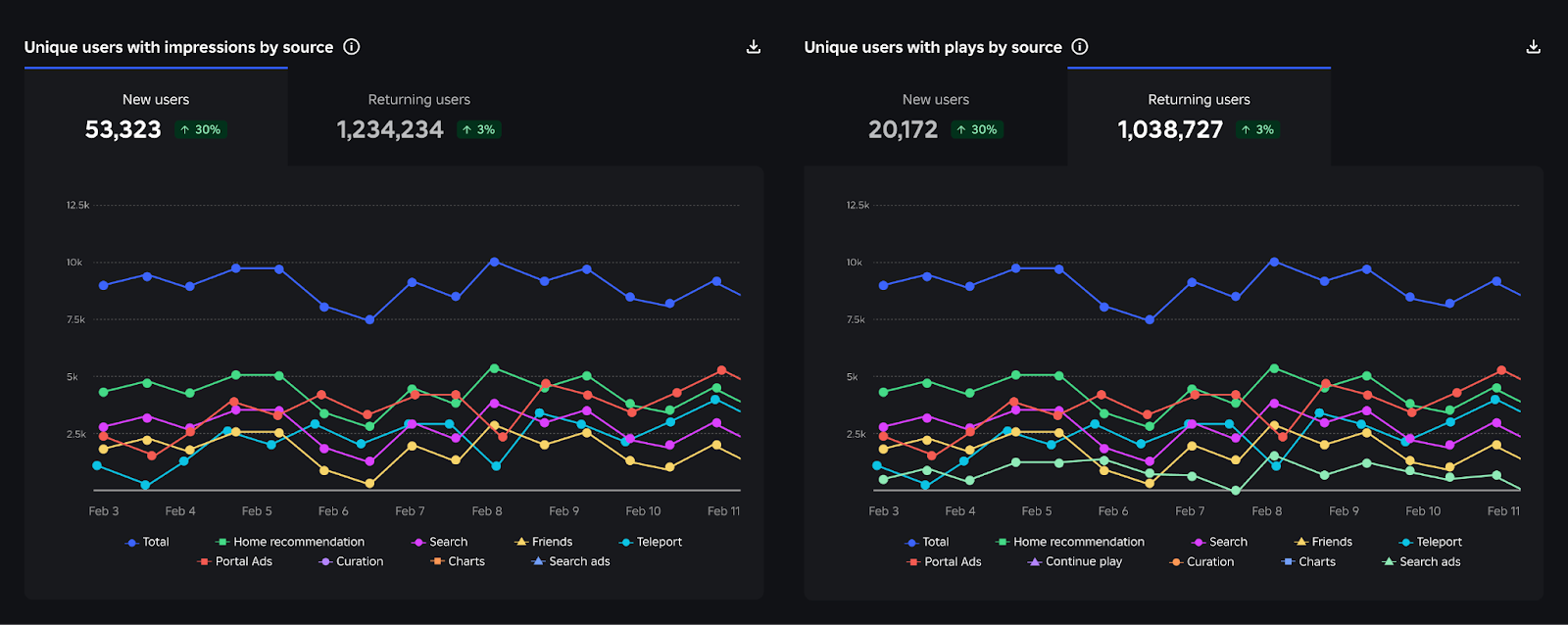
Creator Analytics changed Discovery measurement: do not compare October 12 like an ordinary day
Roblox now records Home, Search, and Charts impressions, clicks, and plays more reliably; counts may rise and PTR may fall without a real performance change.
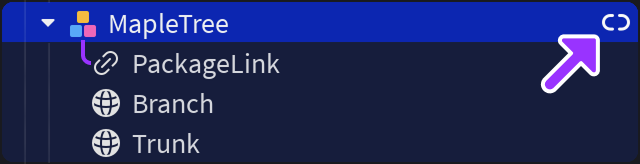
Package Overrides: edit packages without losing future updates
The Studio beta preserves local changes as overrides and reapplies them when the source package updates; everyone in Team Create should enable it.