
Practical guide to a beta feature. Researched: October 16, 2026 (UTC).
Quick answer
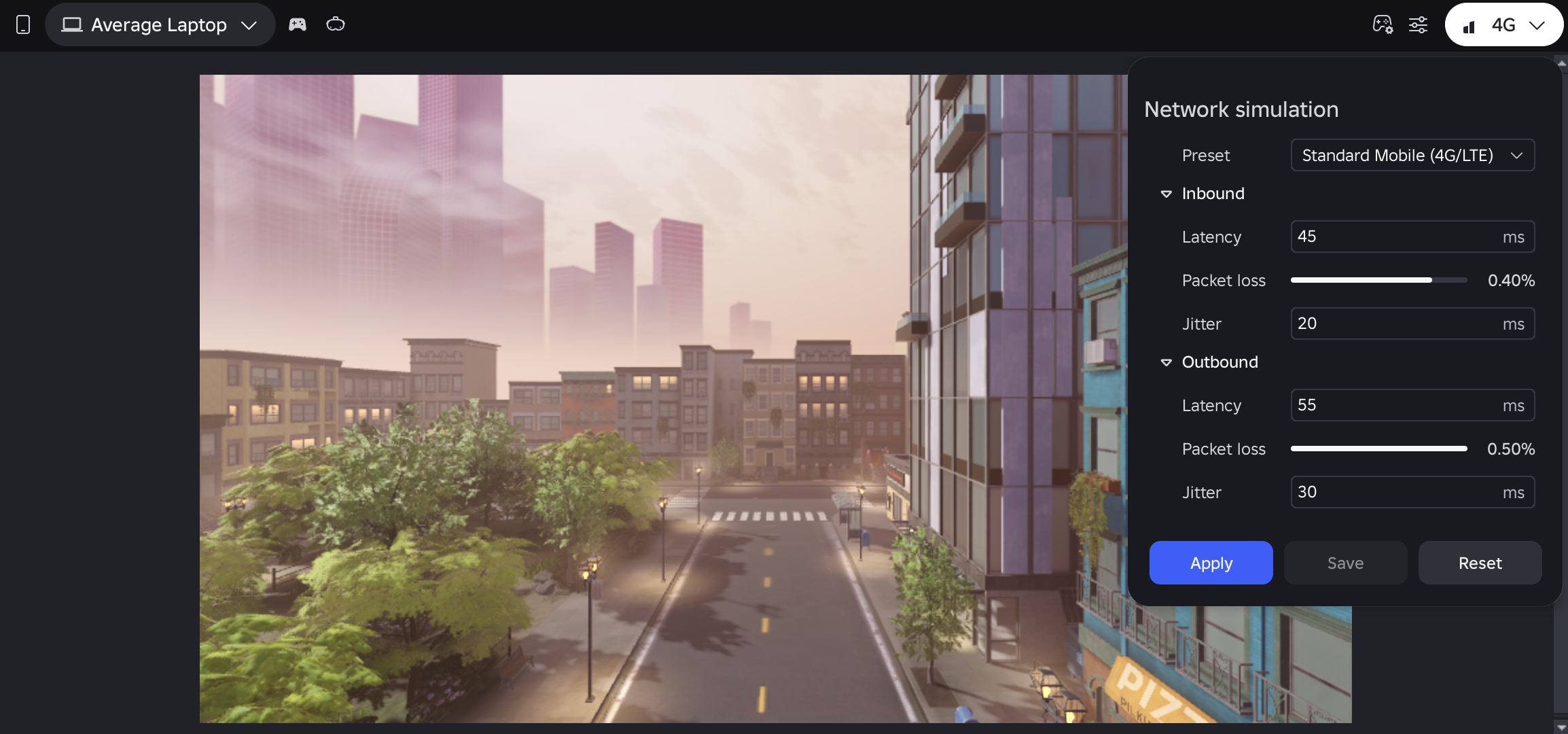
Network Simulator adds latency, jitter and packet loss to Studio playtests, not your published game's connections. Use it to examine how an interaction feels when a response does not arrive immediately.
Enable it and apply changes
Under File → Beta Features, enable New Device Simulator and restart Studio. Then open Test → Device Simulator → Network, choose a preset and press Apply. Selecting without applying does not change the active connection.
Prepare a repeatable test
Editorial recommendation: pick one action, such as collecting a coin from the ground. Before changing settings, write down what players should see when pressing, when their balance should change and what happens if they press again while waiting. This compares the same decision rather than different scenes.
- Test the action and record the initial result.
- Apply another preset, such as Home Wi-Fi, and repeat the same sequence.
- Note whether the button gives feedback, the balance makes sense and a duplicate appears.
- Fix one problem at a time and repeat both tests before concluding that it improved.
Add another player's perspective
Studio's Server & Clients mode runs multiple clients. Observe the same interaction from two views: what the player collecting the coin sees and what their companion sees. Solo testing also separates client and server simulations; switching views helps avoid confusing what each side knows.
This is a proposed test, not a claim that your game duplicates coins. If a fault appears, save exact reproduction steps before changing several systems at once.
Do not confuse connectivity with the screen
Device Simulator helps review dimensions, touch input and the on-screen keyboard; Network Simulator tests connection conditions. Review both: a responsive button may be covered while typing, or look perfect while the player does not understand why they are waiting.
Mistakes to avoid
Do not claim support for every mobile device because one simulation passed. Repeat the case and preserve the mode, device and comparison sequence. As an editorial criterion, waiting should be understandable and repeated input should not produce ambiguous results.
Checklist: beta enabled; preset applied; repeatable action; expected result written down; another client's view; mobile interface reviewed.
Was this helpful?
Keep exploring

In-experience makeup: Roblox now lets players create and save looks
Compatible experiences can now offer face, eye, and lip makeup plus eyebrows and eyelashes, with player confirmation and moderation before the item is saved.
Creator Analytics changed Discovery measurement: do not compare October 12 like an ordinary day
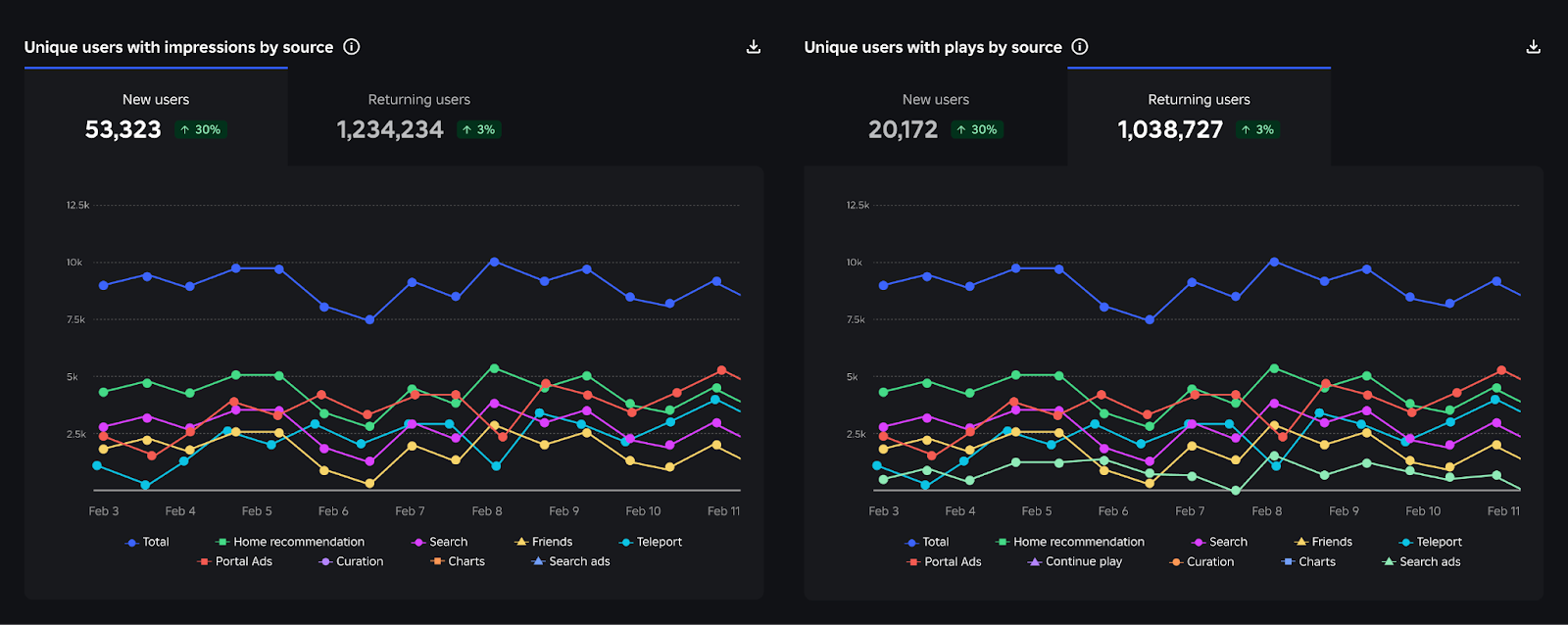
Roblox now records Home, Search, and Charts impressions, clicks, and plays more reliably; counts may rise and PTR may fall without a real performance change.
Package Overrides: edit packages without losing future updates
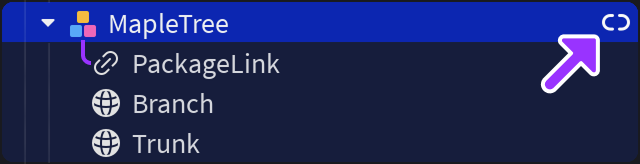
The Studio beta preserves local changes as overrides and reapplies them when the source package updates; everyone in Team Create should enable it.