

Quick answer: Roblox now provides tools that let a compatible experience create makeup, eyelashes, and eyebrows, ask for the player's confirmation, and save the approved result as an avatar item. The feature does not appear automatically in every game: each creator must integrate it.
What can be created
The documentation supports three painted texture layers —face, lip, and eye makeup— plus eyebrow and eyelash accessories. Painted layers are prepared as images, while eyebrows and eyelashes are handled as layered accessories.
Experience requirements
- Generate a creation token that matches the asset type. 2. Prepare the texture or accessory within Roblox's technical limits. 3. Submit one item with
PromptCreateAvatarAssetAsync()or multiple layers withPromptCreateMakeupAsync(). 4. Let the player review and confirm the request.
What the player sees
The experience must open a Roblox prompt before creating the item. The asset then goes through moderation; only an approved result can become associated with the inventory. Saving a look does not mean every option is free: check the final prompt, displayed price, and asset type before confirming.
Useful choices
Use single-item creation when you want to keep one piece, such as eyelashes. For a look with several layers, the multi-makeup flow keeps the choices together. If a game does not show Roblox's official confirmation prompt, do not assume the design will be saved as an avatar item.
Common mistakes
A token for the wrong asset type, an image outside the supported limits, or an incorrectly prepared accessory can stop creation. It is also a mistake to present this as a Roblox-wide option: availability depends on the experience implementing it.
How to confirm success
Check that the official prompt appeared, the item name and type match what you expected, and Roblox confirmed the submission. Final availability depends on moderation; an in-game preview is not the same as an approved item.
Checklist
- The experience states that makeup creation is supported.
- The Roblox prompt shows the correct item.
- Price and terms are visible before acceptance.
- The approved result appears in the inventory.
Related reading: How to publish in-experience content with EditableImages.
*Available-feature guide. Research verified on October 21, 2026.*
Was this helpful?
Keep exploring
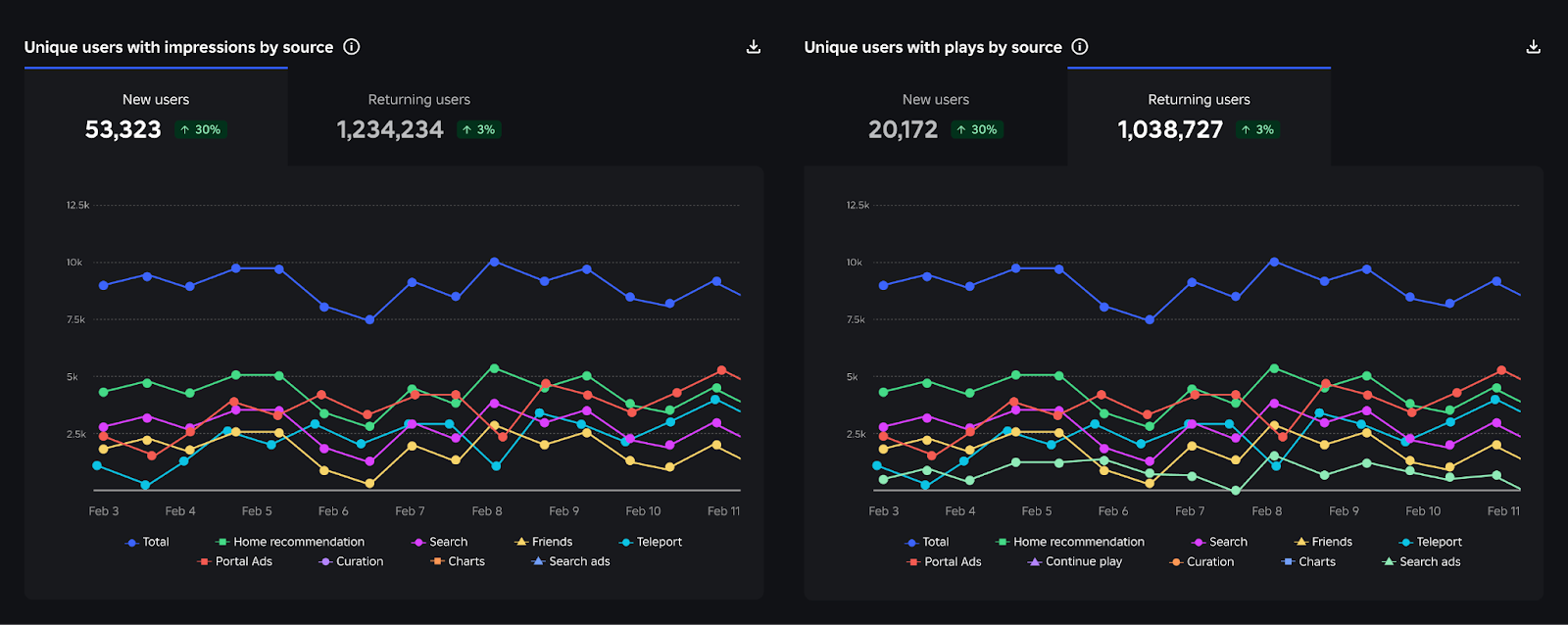
Creator Analytics changed Discovery measurement: do not compare October 12 like an ordinary day
Roblox now records Home, Search, and Charts impressions, clicks, and plays more reliably; counts may rise and PTR may fall without a real performance change.
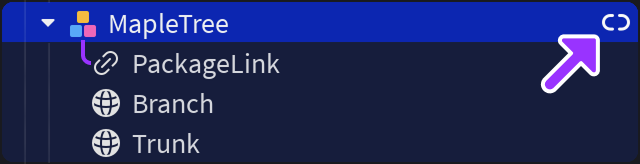
Package Overrides: edit packages without losing future updates
The Studio beta preserves local changes as overrides and reapplies them when the source package updates; everyone in Team Create should enable it.

Avatar Looks: Roblox retires the old publishing flow on October 21
Publish new looks in Studio; existing published avatars require no immediate action.