
Studio beta · Researched: October 20, 2026 (UTC). Sources: [official Package Overrides announcement](https://devforum.roblox.com/t/studio-beta-package-overrides-and-usability-improvements/4936628) and the [official weekly recap](https://devforum.roblox.com/t/weekly-recap-october-12-18-2026/4938638). AI-assisted writing.
Quick answer
Package Overrides lets you edit a package instance in your place without breaking its link to the source package. Studio records local changes and reapplies them after an update.
How to enable it
You need Roblox Studio 743 or later. Open File → Beta Features, enable Package Overrides, then restart Studio. In Team Create, ask everyone in the session to enable the beta before editing.
What happens during an update
When a new source version arrives, Studio applies your overrides on top. If you and the source changed the same property, your local value wins; if the update deletes an instance you modified, that override is dropped.
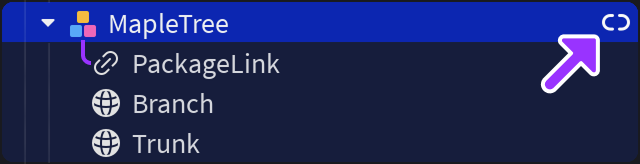
A blue dot identifies packages with overrides. Icons and tooltips also distinguish packages that are current, pinned, or pinned with an update available. Edited packages can keep Auto-Update enabled.
Limits and mistakes
Turning the beta off stops Studio from tracking changes and may cause recorded overrides to be lost before a later update. For nested packages, changes are kept on the parent, but Auto-Update for the nested package is still unavailable.
When you publish a package, its overrides become part of the new version. Review whether you intended to keep a local variant or turn it into the shared source before publishing.
Checklist: Studio 743+ → beta enabled → restart → entire team enabled → blue dot visible → review conflicts before updating or publishing.
Was this helpful?
Keep exploring

In-experience makeup: Roblox now lets players create and save looks
Compatible experiences can now offer face, eye, and lip makeup plus eyebrows and eyelashes, with player confirmation and moderation before the item is saved.
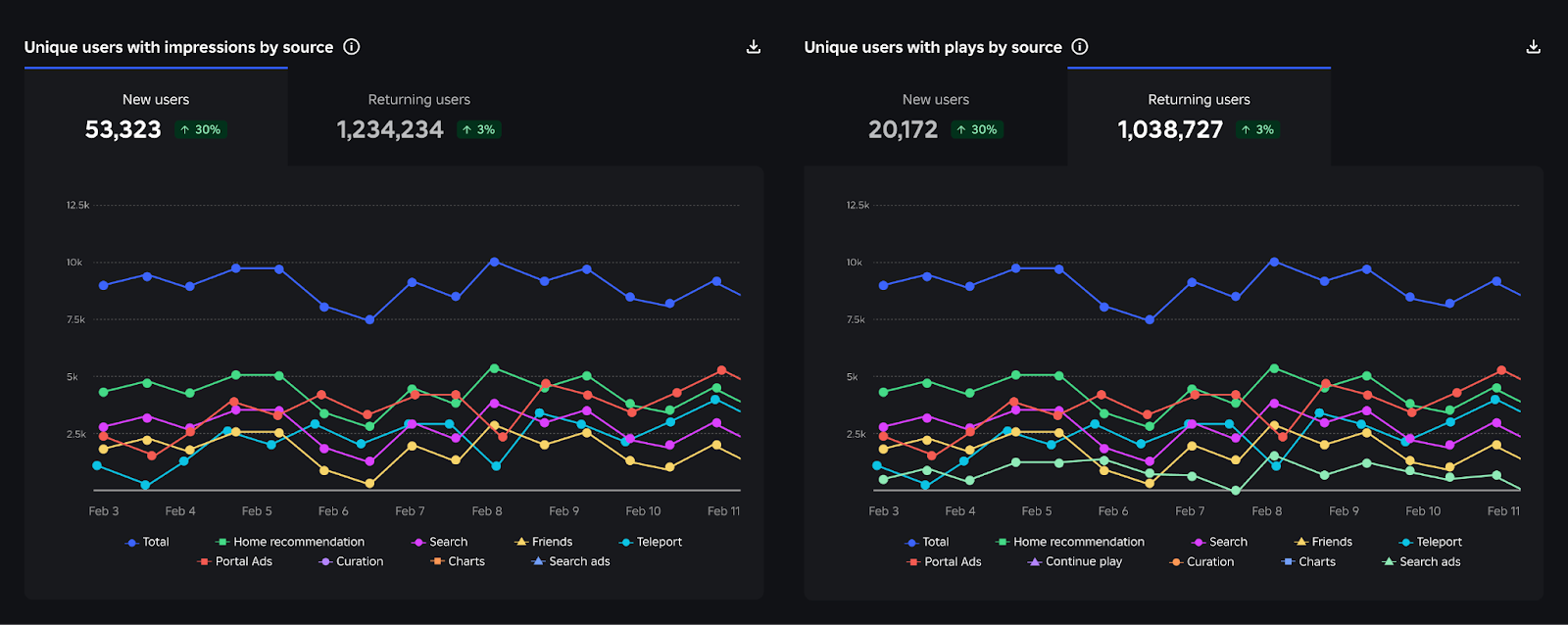
Creator Analytics changed Discovery measurement: do not compare October 12 like an ordinary day
Roblox now records Home, Search, and Charts impressions, clicks, and plays more reliably; counts may rise and PTR may fall without a real performance change.

Avatar Looks: Roblox retires the old publishing flow on October 21
Publish new looks in Studio; existing published avatars require no immediate action.