
Practical analysis · Documentation reviewed October 17, 2026.
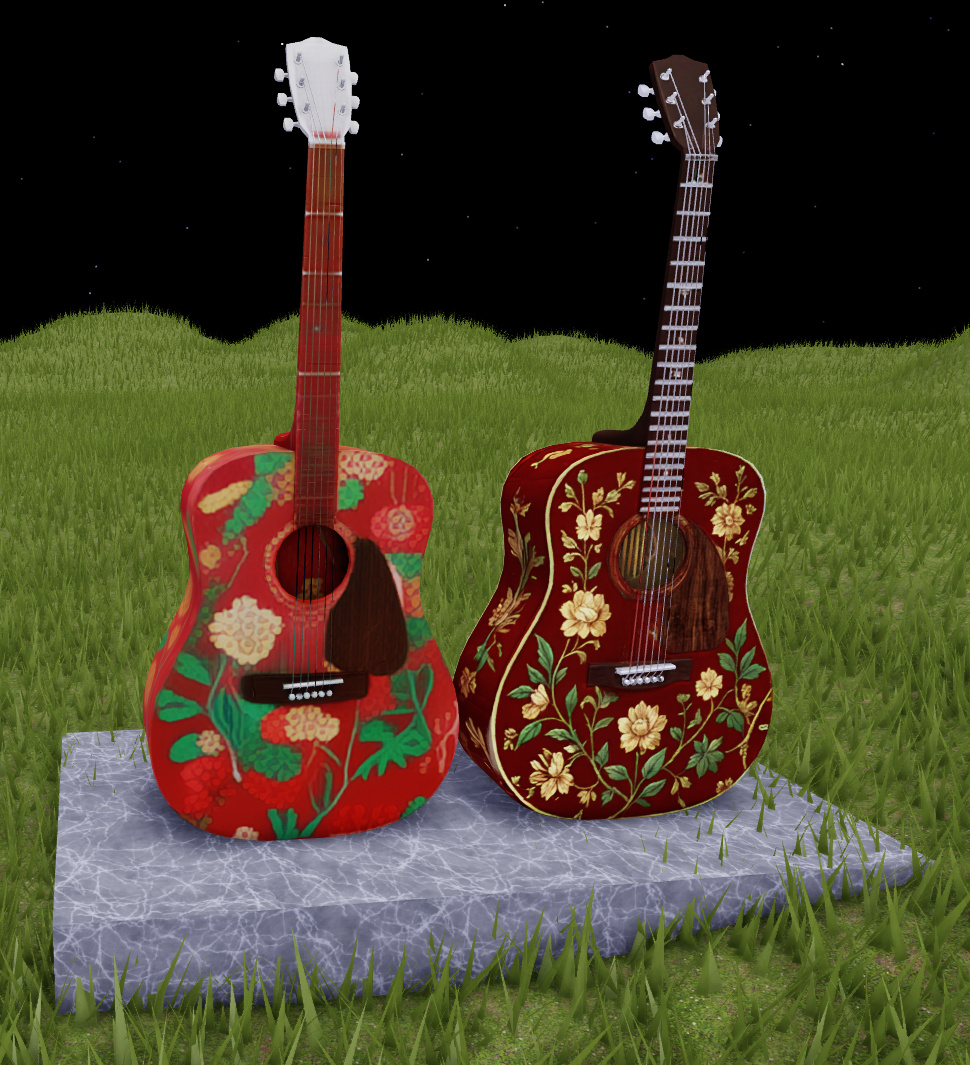
Texture Generator offers Fast, producing a 1K diffuse texture, and Quality, producing a 4K PBR texture applied through SurfaceAppearance. The choice should not depend solely on which looks more detailed in an enlarged view.
PBR does not mean more geometry
PBR maps describe surface properties such as color, apparent relief, roughness and metallic response. They change appearance, not MeshPart geometry. A texture can therefore enrich a material without adding the silhouette of a genuinely modeled detail.
Do not approve a material under just one lighting setup either. Roblox recommends testing under different lighting conditions: convincing highlights in one scene may look wrong in another. As an editorial criterion, check whether the material suits the game's style before chasing fine detail.
Resolution has a cost
Graphics memory depends on pixel count, not just the saved file size. Compressing an image before uploading does not by itself reduce that consumption. Roblox adjusts loaded texture quality using factors including available memory, distance and screen coverage, but that does not replace choosing appropriate sizes.
Editorial recommendation: decide which objects need close attention and which are mostly seen at a distance. Then compare the complete scene on target devices; an isolated screenshot does not demonstrate sustained performance.
A test before replacing assets
- Keep a copy of the current asset.
- Evaluate the result from the normal gameplay camera, not only close up.
- Check material appearance and readability under different lights.
- Measure scene behavior before applying the change more broadly.
Do not edit the asset while generation is still running. The result worth keeping is the one that improves the object's readability in the game, not simply the one with more pixels.
To check another aspect of the experience before publishing, read how to simulate a poor connection in Studio.
Was this helpful?
Keep exploring

In-experience makeup: Roblox now lets players create and save looks
Compatible experiences can now offer face, eye, and lip makeup plus eyebrows and eyelashes, with player confirmation and moderation before the item is saved.
Creator Analytics changed Discovery measurement: do not compare October 12 like an ordinary day
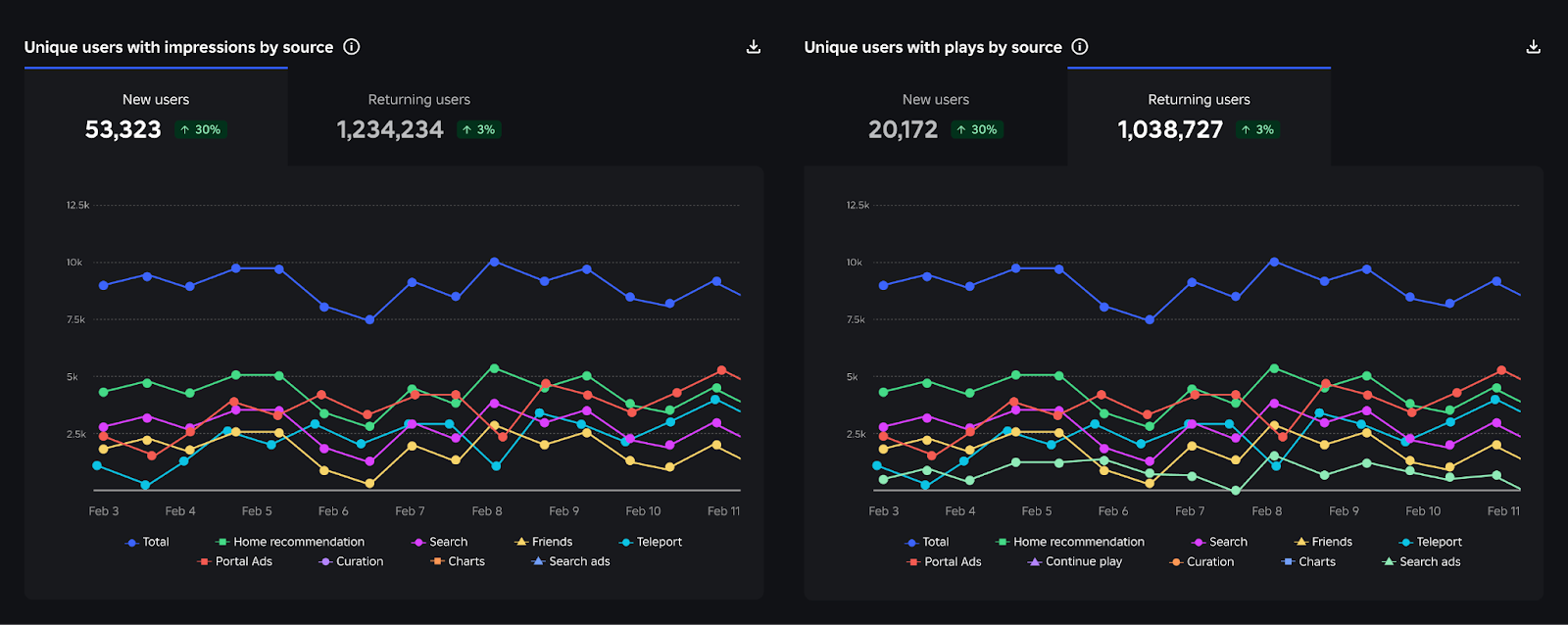
Roblox now records Home, Search, and Charts impressions, clicks, and plays more reliably; counts may rise and PTR may fall without a real performance change.
Package Overrides: edit packages without losing future updates
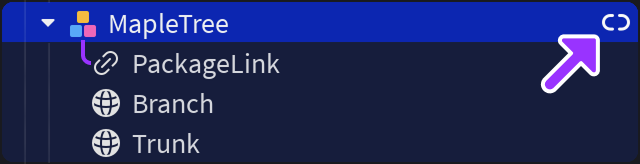
The Studio beta preserves local changes as overrides and reapplies them when the source package updates; everyone in Team Create should enable it.