
Evergreen technical note. Researched October 14, 2026.
The problem
Selling a Developer Product inside your game is not enough to make it appear on other Roblox surfaces. Visibility requires Listed status and correct delivery through ProcessReceipt. If Roblox detects issues, it can stop surfacing the product externally without blocking your existing in-game purchase flows.
Check the listing first
In Creator Hub → Monetization → Shop → Item catalog, check its status. An Unlisted product stays out of Shop and other surfaces, although your own in-game flow can still sell it. Save catalog changes: editing the screen without selecting Save does not publish them.
If a ProcessReceipt warning appears
- Open the report linked from the Shop warning and identify the affected product.
- Fix delivery in Roblox Studio and publish the experience.
- Return to the report, select the corrected products and choose Mark as fixed.
- Check that they leave the report. Restored eligibility guarantees neither placement nor a particular sales volume.
The mistake to avoid
PromptProductPurchaseFinished does not prove a purchase completed successfully and cannot replace ProcessReceipt for processing it. Treat the receipt and benefit delivery as part of your purchase system, not as a visual reaction to closing a window.
A useful check
Editorial recommendation: record the product, published version and delivery result before marking it fixed. Also check rejoining and whether the same receipt attempts to grant the benefit twice; the official ProcessReceipt example uses purchase history to prevent duplication.
What no warning means
If there is no banner, Roblox is not showing that correction report for your products. It does not guarantee promotion on Home or prove that a shop without sales is broken. Separate catalog status, delivery and discovery before changing prices or adding products.
Related reading: refunds are another part of the purchase lifecycle.
Was this helpful?
Keep exploring

In-experience makeup: Roblox now lets players create and save looks
Compatible experiences can now offer face, eye, and lip makeup plus eyebrows and eyelashes, with player confirmation and moderation before the item is saved.
Creator Analytics changed Discovery measurement: do not compare October 12 like an ordinary day
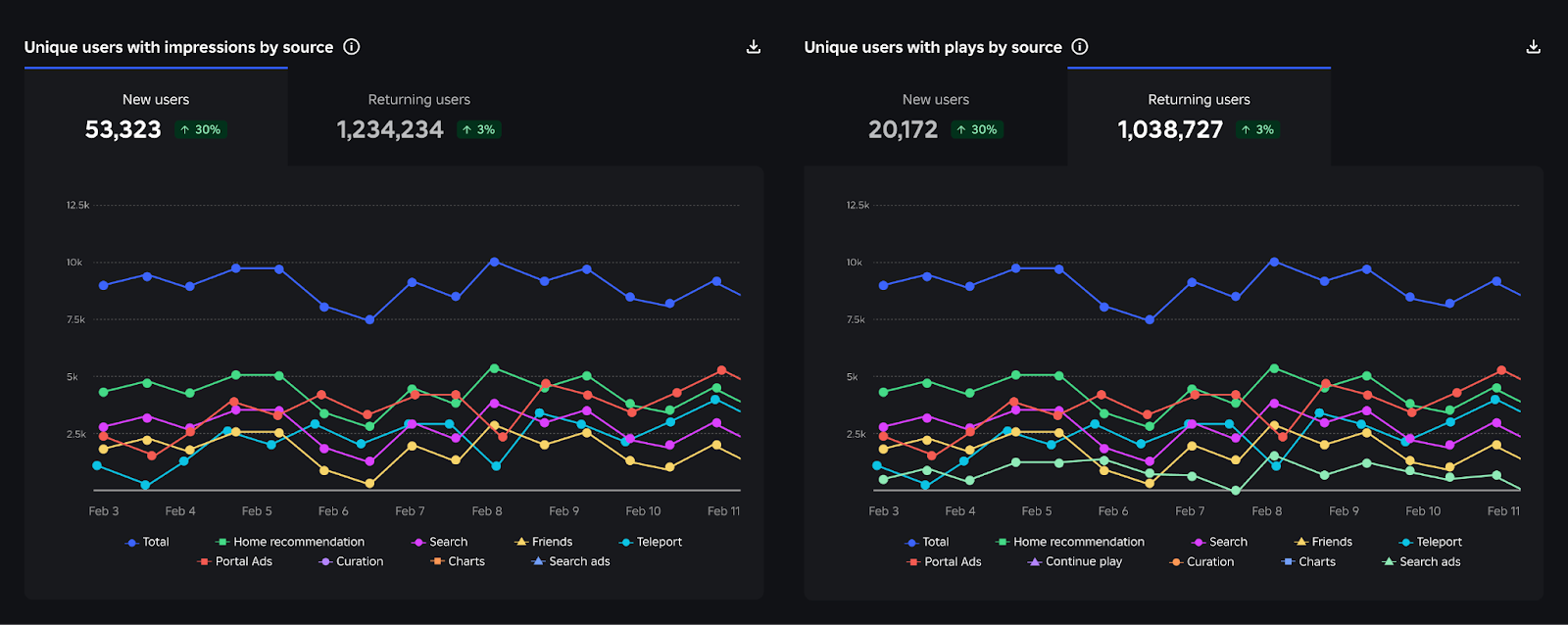
Roblox now records Home, Search, and Charts impressions, clicks, and plays more reliably; counts may rise and PTR may fall without a real performance change.
Package Overrides: edit packages without losing future updates
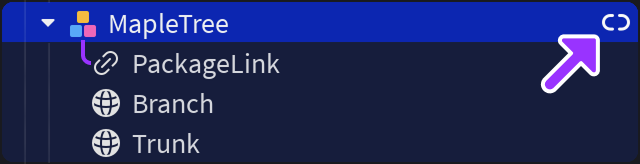
The Studio beta preserves local changes as overrides and reapplies them when the source package updates; everyone in Team Create should enable it.