
Source: Roblox Developer Forum.
What changed
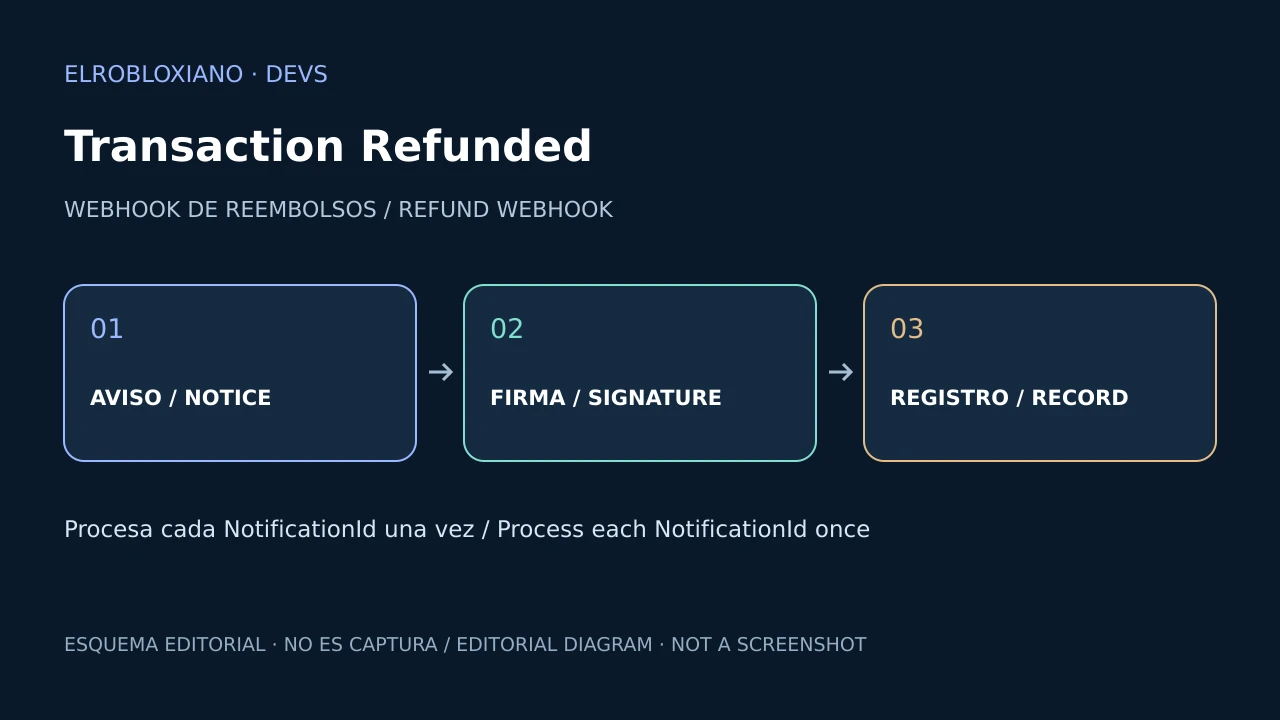
Open Cloud now offers Transaction Refunded, a webhook that reports when Roblox refunds or reverses a purchase tied to your content. It covers Developer Products, Game Passes, Private Servers and Paid Access.
Why it matters
Roblox automatically revokes ownership for some passes and items, but it cannot remove currency, a permanent boost or another benefit stored in your own data. The event lets you locate the transaction and apply a safe reversal policy.
Setup
- Open Creator Hub → Account Settings → Webhooks.
- Add the HTTPS endpoint and a secret.
- Enable Transaction Refunded under Analytics.
- Verify the
roblox-signatureheader. - Use Test Response before saving.
Roblox permits up to five configured webhooks.
Safe implementation
- Make processing idempotent with
NotificationId. - Map the receipt or transaction ID to the original grant.
- Never remove balance without an audit record.
- Decide what happens when the benefit was already consumed.
- Respond quickly and move heavy work outside the request.
Checklist
- [ ] Signature verified.
- [ ] Duplicate deliveries ignored.
- [ ] Audit record stored.
- [ ] Developer Product, pass and private-server cases tested.
- [ ] Policy for negative balances or consumed benefits.
Was this helpful?
Keep exploring

In-experience makeup: Roblox now lets players create and save looks
Compatible experiences can now offer face, eye, and lip makeup plus eyebrows and eyelashes, with player confirmation and moderation before the item is saved.
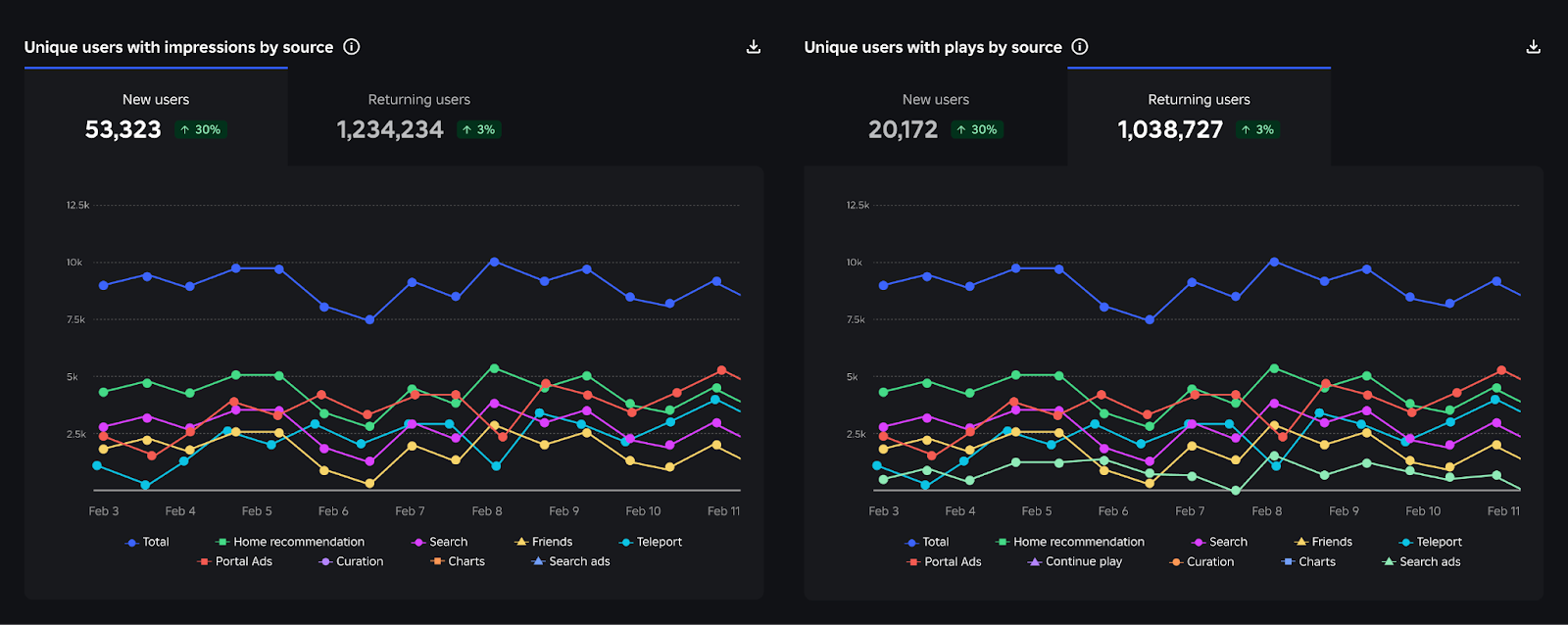
Creator Analytics changed Discovery measurement: do not compare October 12 like an ordinary day
Roblox now records Home, Search, and Charts impressions, clicks, and plays more reliably; counts may rise and PTR may fall without a real performance change.
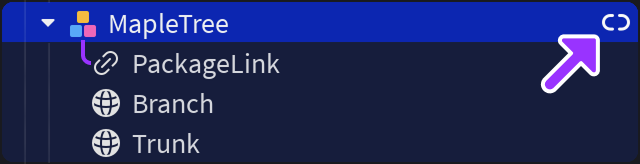
Package Overrides: edit packages without losing future updates
The Studio beta preserves local changes as overrides and reapplies them when the source package updates; everyone in Team Create should enable it.