
Evergreen guide · Verified: October 18, 2026 (UTC). Sources: [Creator Hub](https://create.roblox.com/docs/production/publishing/publish-games-and-places) and [Roblox Support](https://en.help.roblox.com/hc/en-us/articles/203313890-How-to-Publish-Games-on-Roblox).
Test without a public release
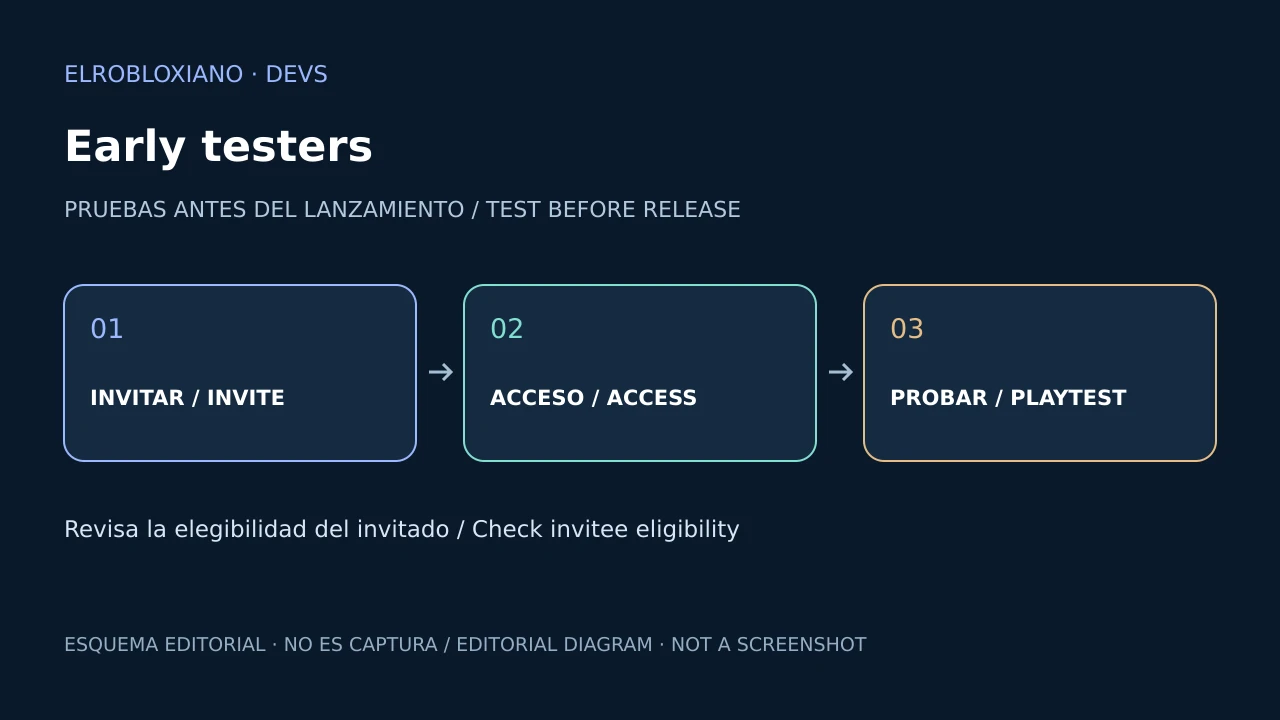
You can invite up to 10 early testers for feedback without opening the game to everyone. This does not complete the public-release requirements.
Invite and manage
- In Studio, open File → Invite early testers.
- Find eligible friends and click Invite. Complete an age check if Roblox requests one.
- Review the list under Manage Collaborators, where you can add or remove testers.
Support also documents Collaborate → Early testers and management in Creator Hub under Configure → Permissions.
If someone is missing or cannot join
Eligibility depends on age, friendship and content restrictions. Early testing is not available in every region; sharing a link alone does not guarantee access.
Invitees see a preview watermark and remain subject to safety rules and tools.
Success check: invitee listed and access confirmed from their account. Editorial recommendation: check that access before scheduling a session.
Was this helpful?
Keep exploring

In-experience makeup: Roblox now lets players create and save looks
Compatible experiences can now offer face, eye, and lip makeup plus eyebrows and eyelashes, with player confirmation and moderation before the item is saved.
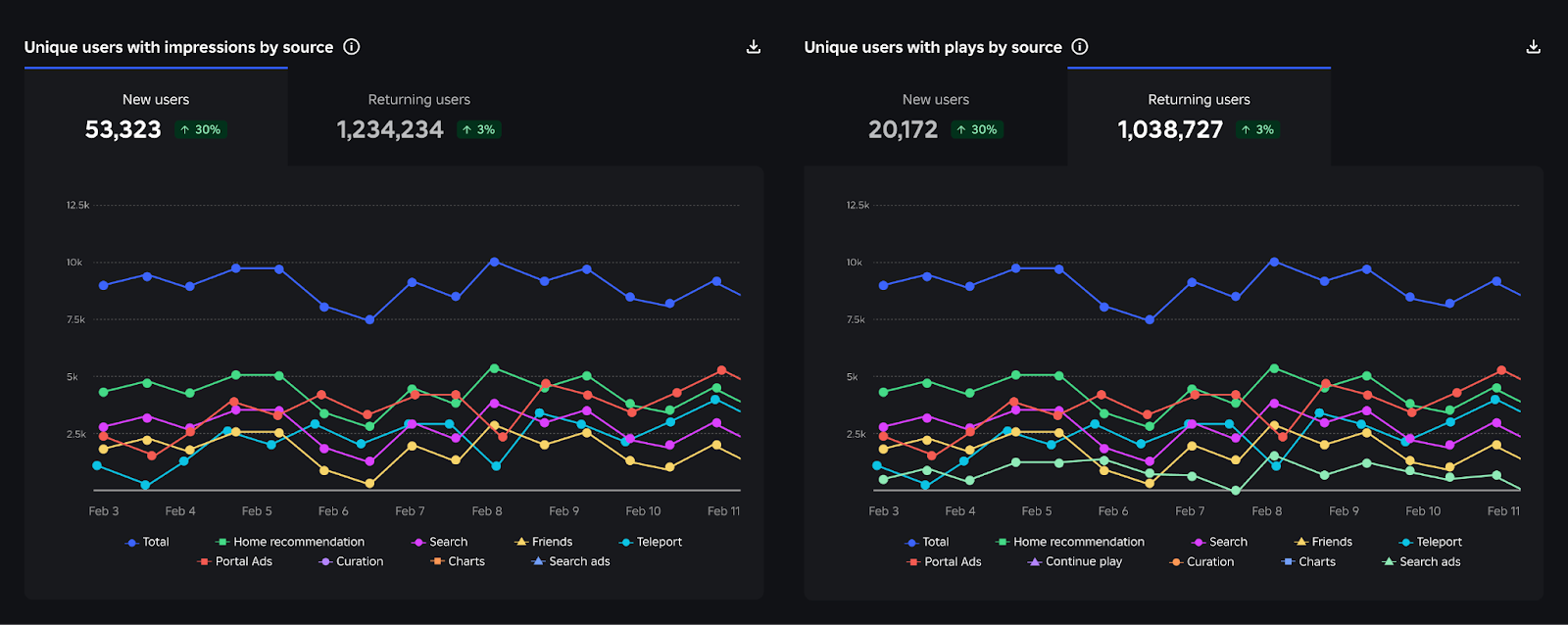
Creator Analytics changed Discovery measurement: do not compare October 12 like an ordinary day
Roblox now records Home, Search, and Charts impressions, clicks, and plays more reliably; counts may rise and PTR may fall without a real performance change.
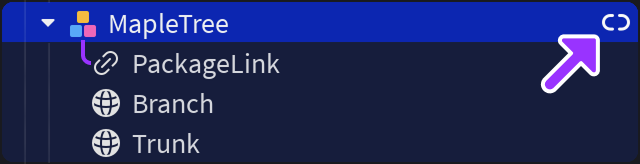
Package Overrides: edit packages without losing future updates
The Studio beta preserves local changes as overrides and reapplies them when the source package updates; everyone in Team Create should enable it.