
Announcement: October 8, 2026 · Researched: October 9, 2026. Roblox opened a Studio beta for defining states and expressions inside the Animation Graph Editor. AI-assisted writing.
What changes
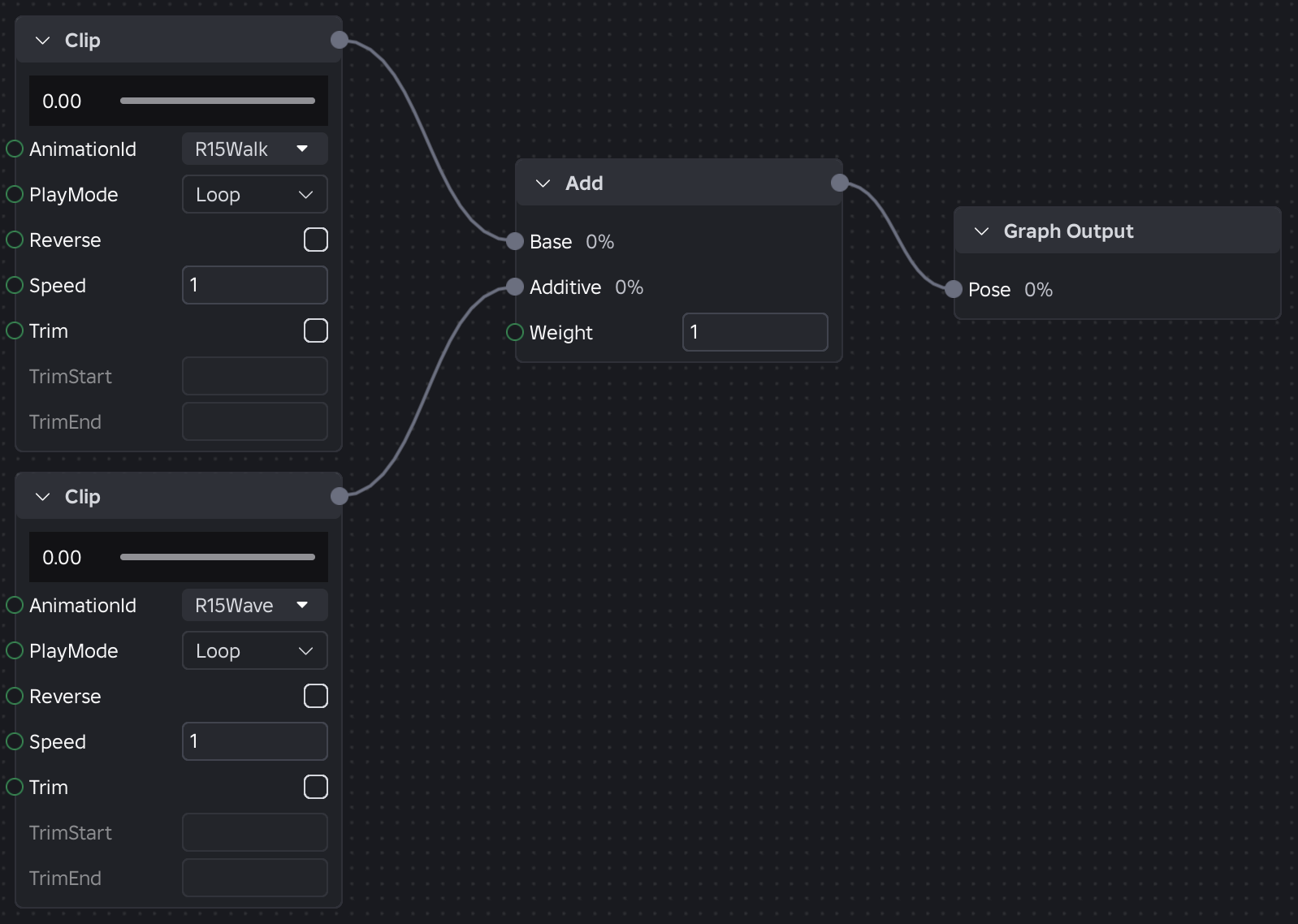
New State Machine nodes let creators define animation states and transitions inside the graph. Conditions can use parameters such as speed and configure priority, blending, or waiting until an animation finishes.
Luau Expressions can perform limited calculations with those parameters directly in a node. They support arithmetic, comparisons, logic, conditionals, and part of the math library.
What problem it solves
Previously, a state-dependent transition could require extra logic in a script. The graph can now preserve the flow between states such as Idle, Swing 1, and Swing 2. A script is still required to send gameplay parameters through SetParameter().
How to test it without risking a published game
- Open File → Beta Features in Studio.
- Enable Animation Graphs State Machines.
- Restart Studio if requested.
- Make a copy of a test animation.
- Add states and one simple transition.
- Watch the Output window during preview or Playtest; parse and evaluation errors appear there.
Beta limits
It does not work in live games yet; Roblox says it is limited to Studio. Expressions cannot directly read the character or Workspace, and they do not support loops, function definitions, tables, require(), method calls, or libraries other than math. They also do not replace Humanoid states.
Practical decision
Start with a small flow such as Idle → Run and keep the current graph version. Do not migrate an entire published combat system while the feature remains in beta.
Was this helpful?
Keep exploring

In-experience makeup: Roblox now lets players create and save looks
Compatible experiences can now offer face, eye, and lip makeup plus eyebrows and eyelashes, with player confirmation and moderation before the item is saved.
Creator Analytics changed Discovery measurement: do not compare October 12 like an ordinary day
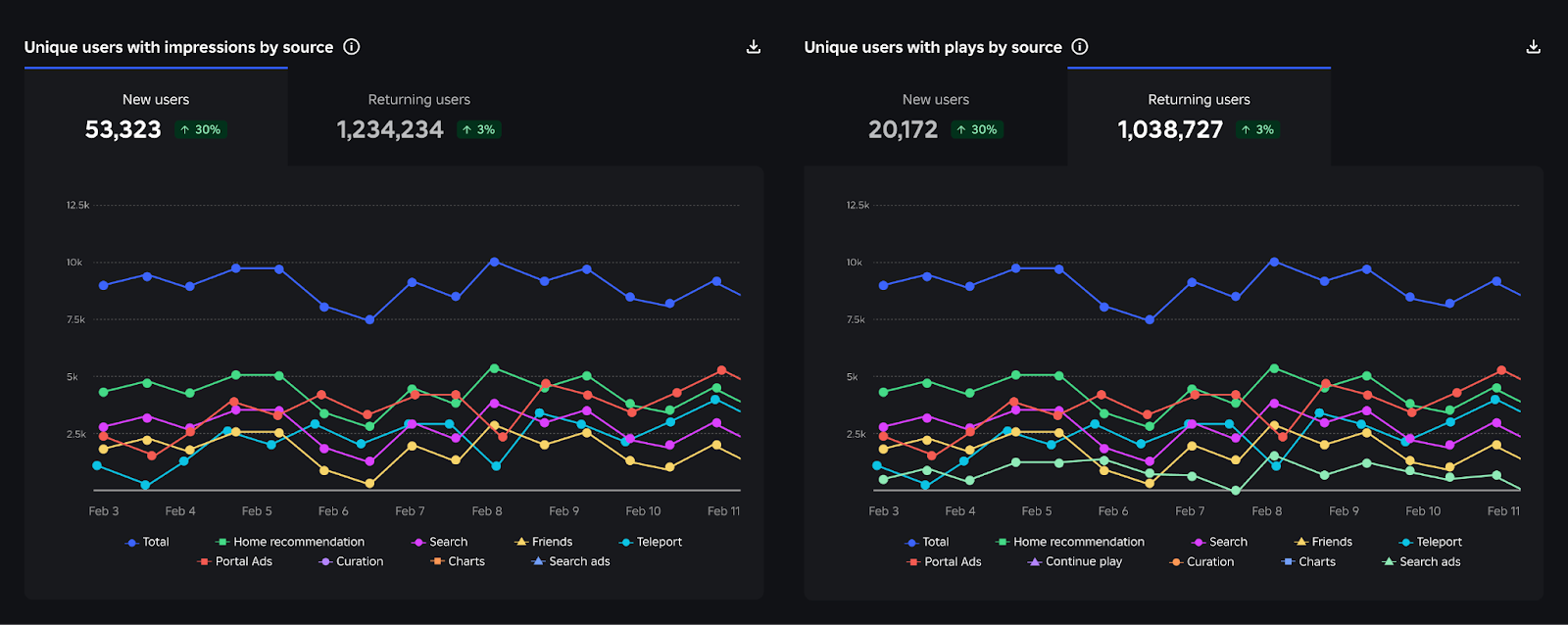
Roblox now records Home, Search, and Charts impressions, clicks, and plays more reliably; counts may rise and PTR may fall without a real performance change.
Package Overrides: edit packages without losing future updates
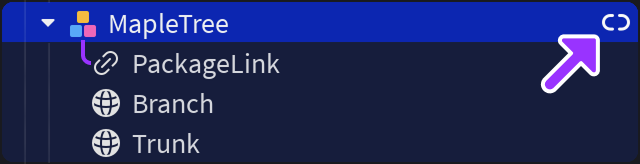
The Studio beta preserves local changes as overrides and reapplies them when the source package updates; everyone in Team Create should enable it.