
Evergreen · Researched November 9, 2026 (UTC) · AI-assisted writing. Sources: Pathfinding and Path reference.
Quick answer
When a route stops working, distinguish failed computation from a later blockage. Path.Blocked can also report obstacles behind the character: it does not always mean the character should stop.
Studio review
You need project access and access to its movement code.
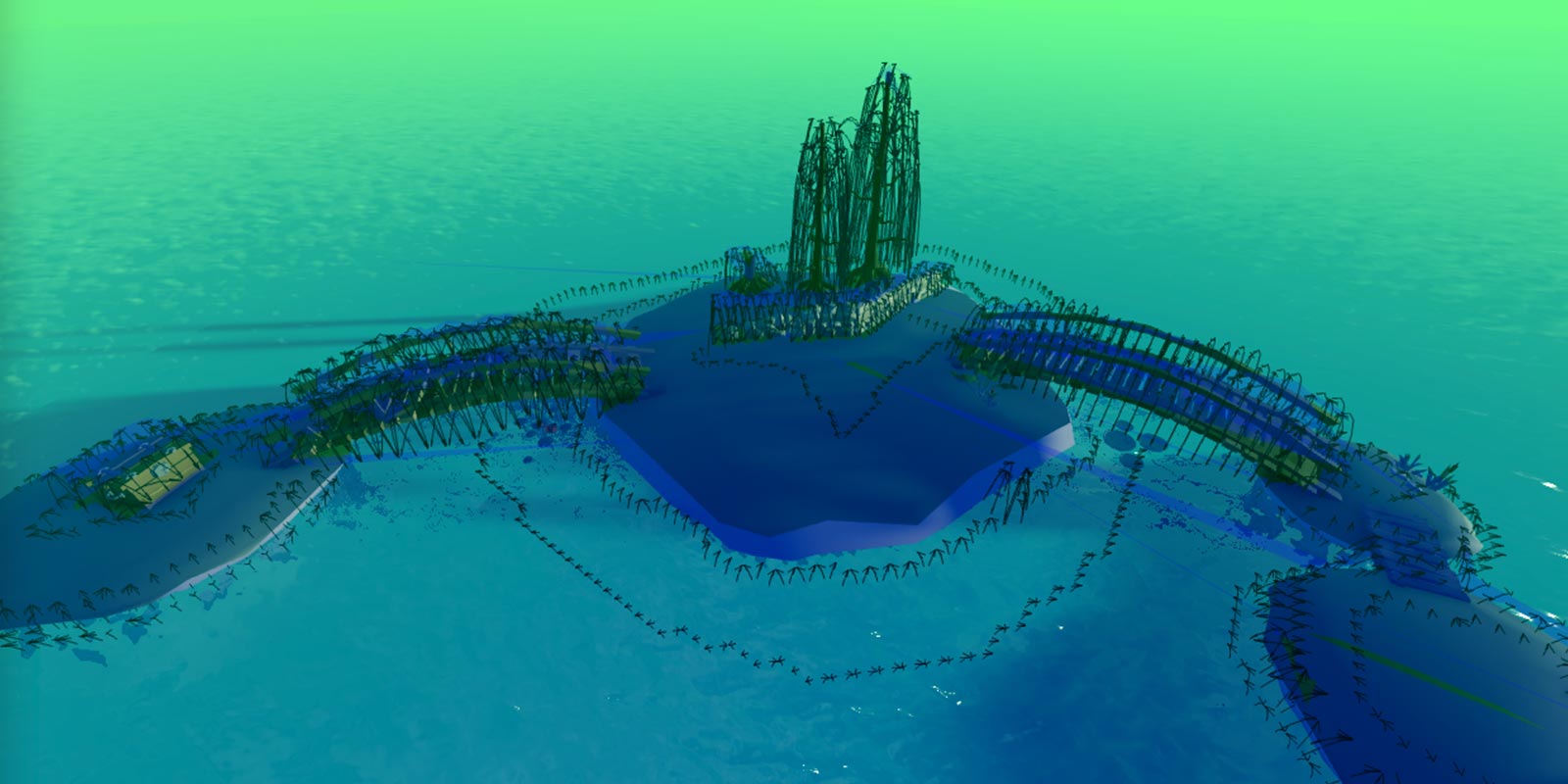
- Enable Navigation mesh in Visualization Options to inspect traversable areas.
- After
ComputeAsync(), checkPath.Statusbefore retrieving points withGetWaypoints().NoPathis not a valid route. - In the
Blockedhandler, compareblockedWaypointIndex >= nextWaypointIndex. Recompute for a blockage on the remaining route, not the completed section.
Mistakes and checks
Creating a Path does not automatically run ComputeAsync(). If computation fails, check that the start and destination are not inside solid objects.
Checklist: valid status, ordered points and a response to an obstacle placed ahead, without restarting for one behind. This is a recommended check, not a test performed in your project.
Related reading: CreatePath parameters.
Was this helpful?
Keep exploring
Input Action Manager: find missing controls and inspect State in PlaySolo
The control editor is out of beta. Audit keyboard, gamepad and touch without confusing visual bindings with your game’s behavior logic.
Roblox Studio includes MCP: connect Codex CLI and automate playtests
The MCP server is now built into Roblox Studio. This guide explains how to connect Codex CLI, verify the link, and work with scripts and playtests while keeping permissions in view.
Custom terrain on Roblox: enable 62 materials and publish
Custom Terrain Materials has left early access. Learn how to enable Expanded Terrain per place, create paintable slots, and check the documented limits before publishing.