
Quick answer
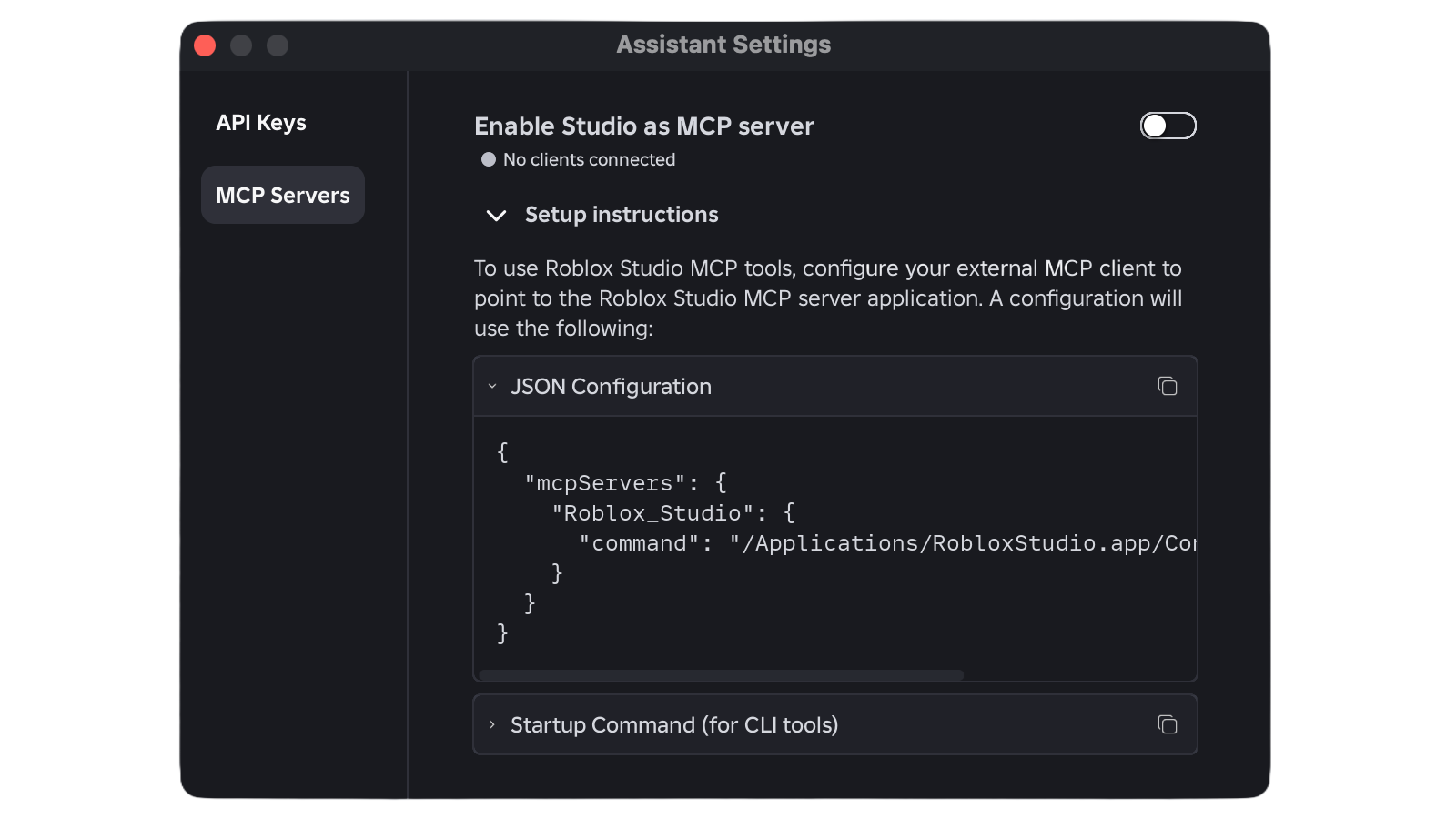
Open Assistant in the latest Roblox Studio, go to … → Manage MCP Servers, enable Enable Studio as MCP server, and use Quick connect to turn on Codex CLI. The connection runs locally over stdio; a green indicator confirms that a client is connected.
Requirements
You need an up-to-date Roblox Studio installation, Codex CLI installed, and a place open in Studio. Connect only clients you trust: Roblox warns that an MCP client can read and modify content in the open project.
Connect Codex CLI
- Open Assistant in Studio and choose … → Manage MCP Servers.
- Enable Enable Studio as MCP server.
- Under Quick connect, find Codex CLI and turn it on.
- If it is missing, install or update Codex CLI and restart Roblox Studio.
- Confirm that the panel shows the green connected-client indicator.
What the connection can do
The documentation lists tools to find and read scripts, search text, apply multiple edits, inspect the game tree, execute Luau, and control a playtest. It can also start or stop play mode, read console output, capture the viewport, and simulate keyboard, mouse, or character input. Every action targets a studio_id, which helps when several Studio windows are open.
A safe first test
Start with a read request: ask the client to list Studio instances and locate a script without changing it. Once it confirms the correct project, request a small, reviewable edit. Save or version the place before allowing broad changes, then inspect the result inside Studio.
Common mistakes
If Codex CLI is absent from Quick connect, restart Studio after installing it. If tools are unavailable, restart both Studio and the client and check that the executable path exists. In JSON configuration, one missing comma or brace invalidates the file. With several windows open, identify the target first through list_roblox_studios.
Confirm success
The MCP panel shows a green indicator with the number of connected clients. A read-only query should then return the name or identifier of the open instance. The connection does not publish an experience on its own: changes and publishing still depend on the actions you authorize.
Checklist
- Studio and Codex CLI are current.
- MCP server is enabled.
- The correct client is selected.
- Green indicator is visible.
- Project is backed up before editing.
- Result is reviewed and tested in Studio.
Related reading
See the official Roblox Studio MCP connection guide and the built-in server and playtest automation announcement.
Was this helpful?
Keep exploring
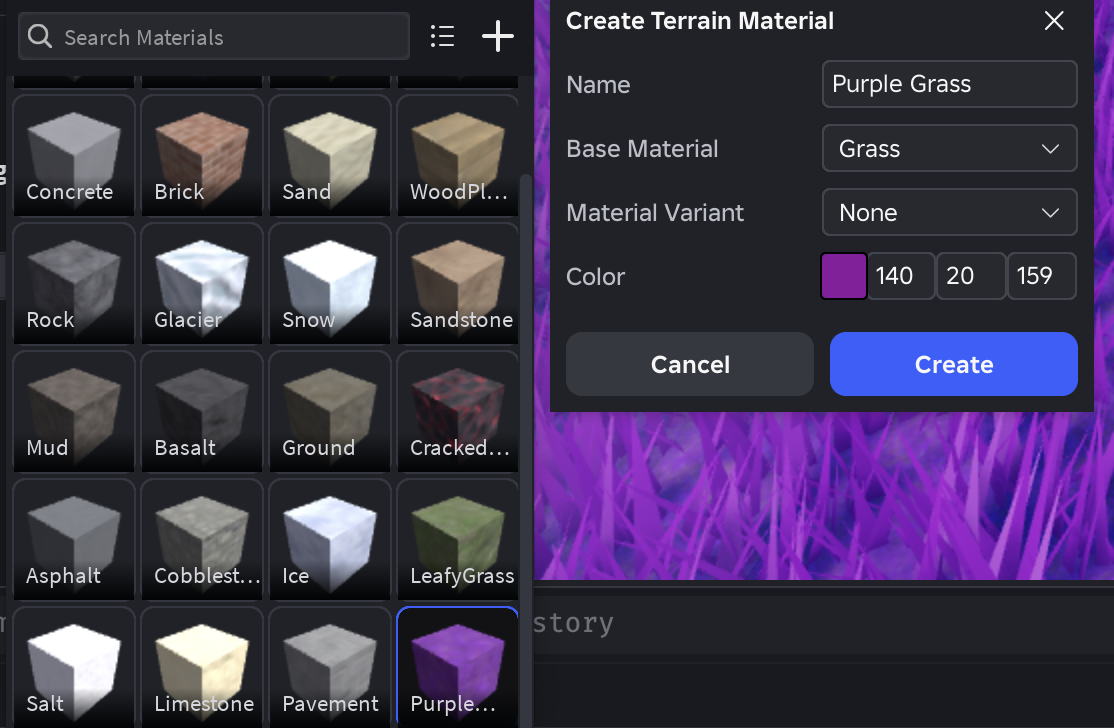
Custom terrain on Roblox: enable 62 materials and publish
Custom Terrain Materials has left early access. Learn how to enable Expanded Terrain per place, create paintable slots, and check the documented limits before publishing.
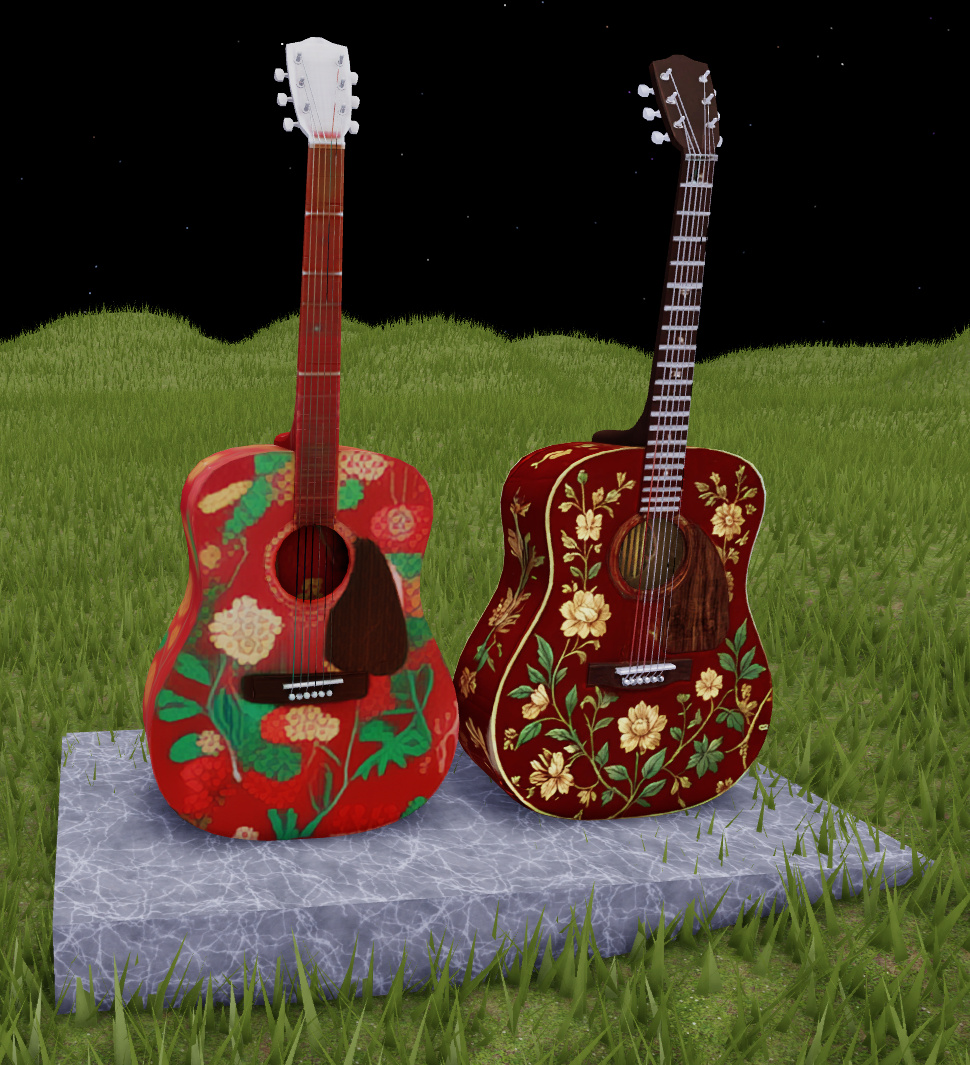
Texture Generator: test in Fast, finish in Quality with 4K PBR
The beta separates quick iteration from final polish: Fast generates 1K previews while Quality creates 4K PBR with roughness and metalness. Learn when to use each mode and which limits to avoid.
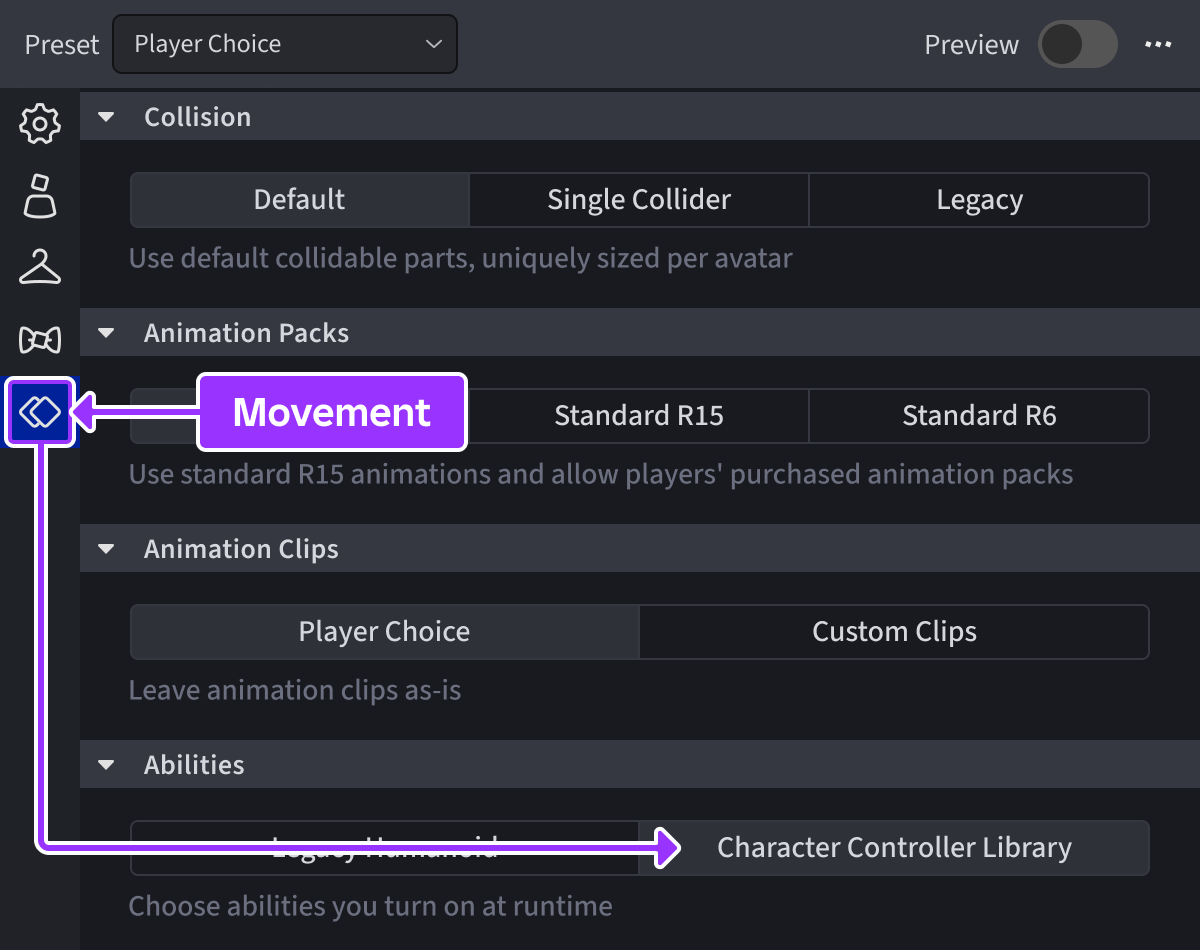
Character Controller Library: test abilities without rebuilding all movement
The beta lets you enable default capabilities and register custom actions such as dash or crouch. Start in a copy: disabling Running or mismatching fall and recovery can lock a character.