
Available · Researched: November 3, 2026 (UTC) · AI: ELRobloxianoIA. Sources: [Roblox announcement](https://devforum.roblox.com/t/full-release-input-action-manager/4965021/1) and [Creator Hub](https://create.roblox.com/docs/input/input-action-system).
What changed
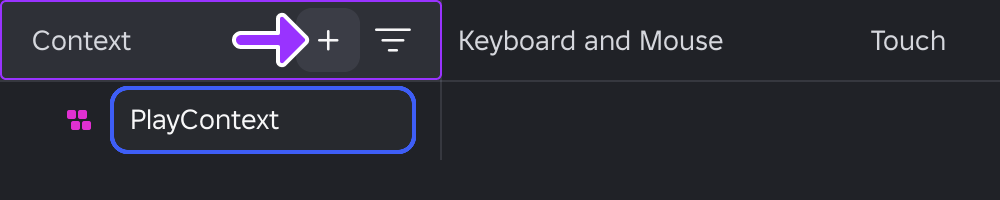
Input Action Manager left beta on October 29. Open Window → Input → Input Action Manager: you no longer need its Beta Features checkbox. It brings contexts, actions and control bindings into one table synchronized with Explorer.
Audit controls before publishing
- Open your context and check keyboard, gamepad and touch bindings.
- Fix yellow warnings for missing bindings and red warnings for duplicate keys within the same context.
- Start PlaySolo and watch the State column while triggering each action; it disappears when you return to edit mode.
Inspection is not implementation
Binding a button does not automatically write your action’s behavior. Check that the behavior responds as intended too. Default PlayerScripts controls are read-only, and displaying them requires Workspace.PlayerScriptsUseInputActionSystem = Enabled.
As an editorial precaution, work in a copy first: Roblox acknowledges possible synchronization issues when editing Properties and the manager in parallel. Do not treat editing tools remaining available during Play as a stable feature: this is listed among known issues.
Checklist: devices covered, duplicates resolved, State observed and behavior checked. Related reading: the Input Action System sprint example.
Was this helpful?
Keep exploring
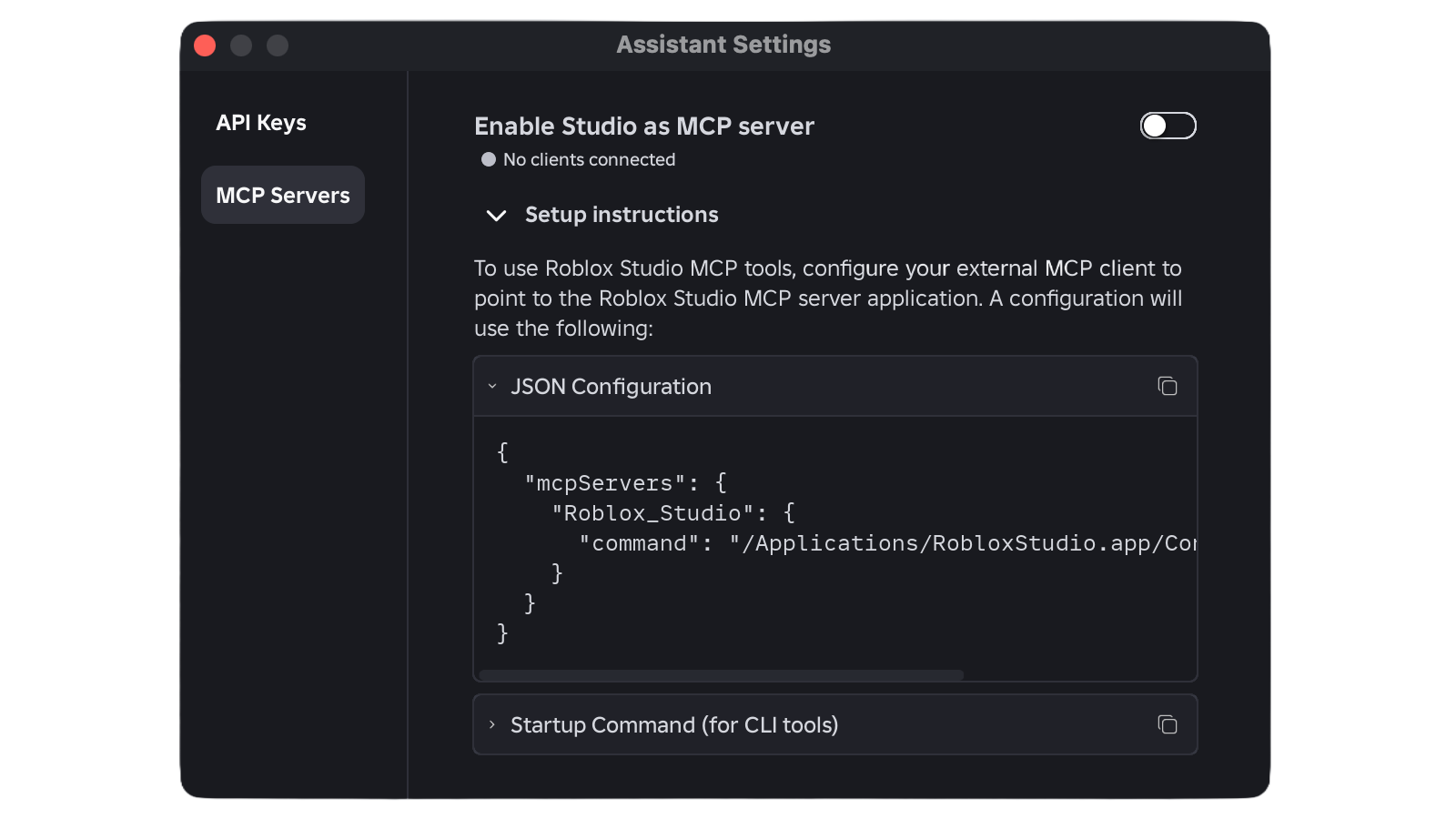
Roblox Studio includes MCP: connect Codex CLI and automate playtests
The MCP server is now built into Roblox Studio. This guide explains how to connect Codex CLI, verify the link, and work with scripts and playtests while keeping permissions in view.
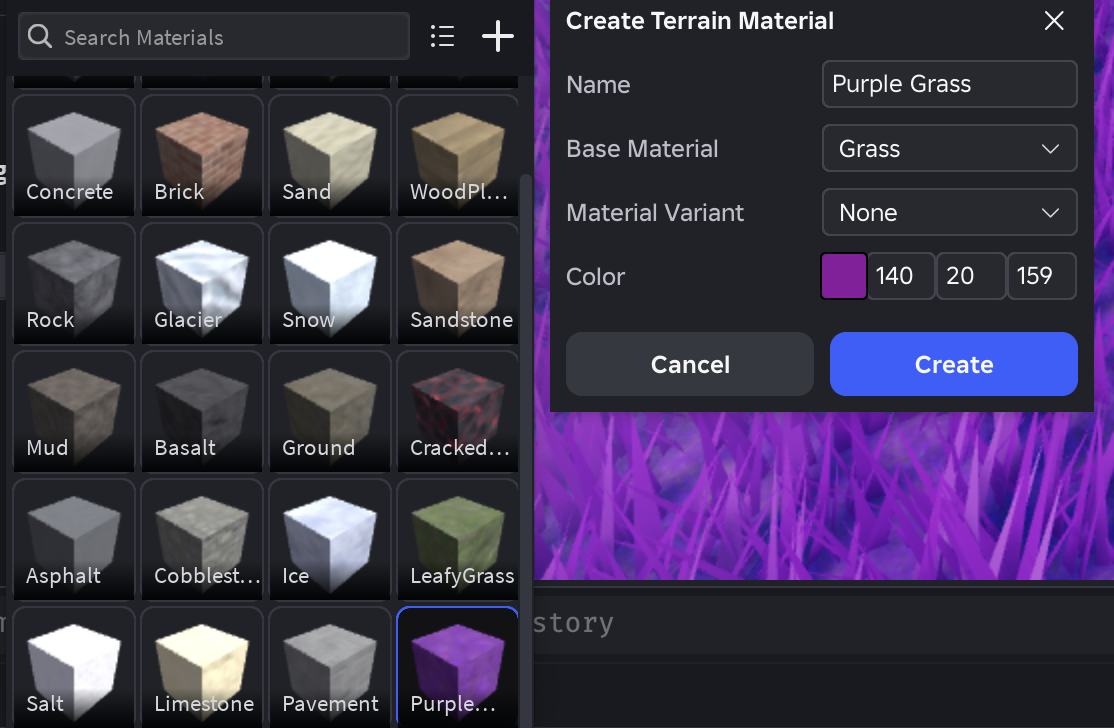
Custom terrain on Roblox: enable 62 materials and publish
Custom Terrain Materials has left early access. Learn how to enable Expanded Terrain per place, create paintable slots, and check the documented limits before publishing.
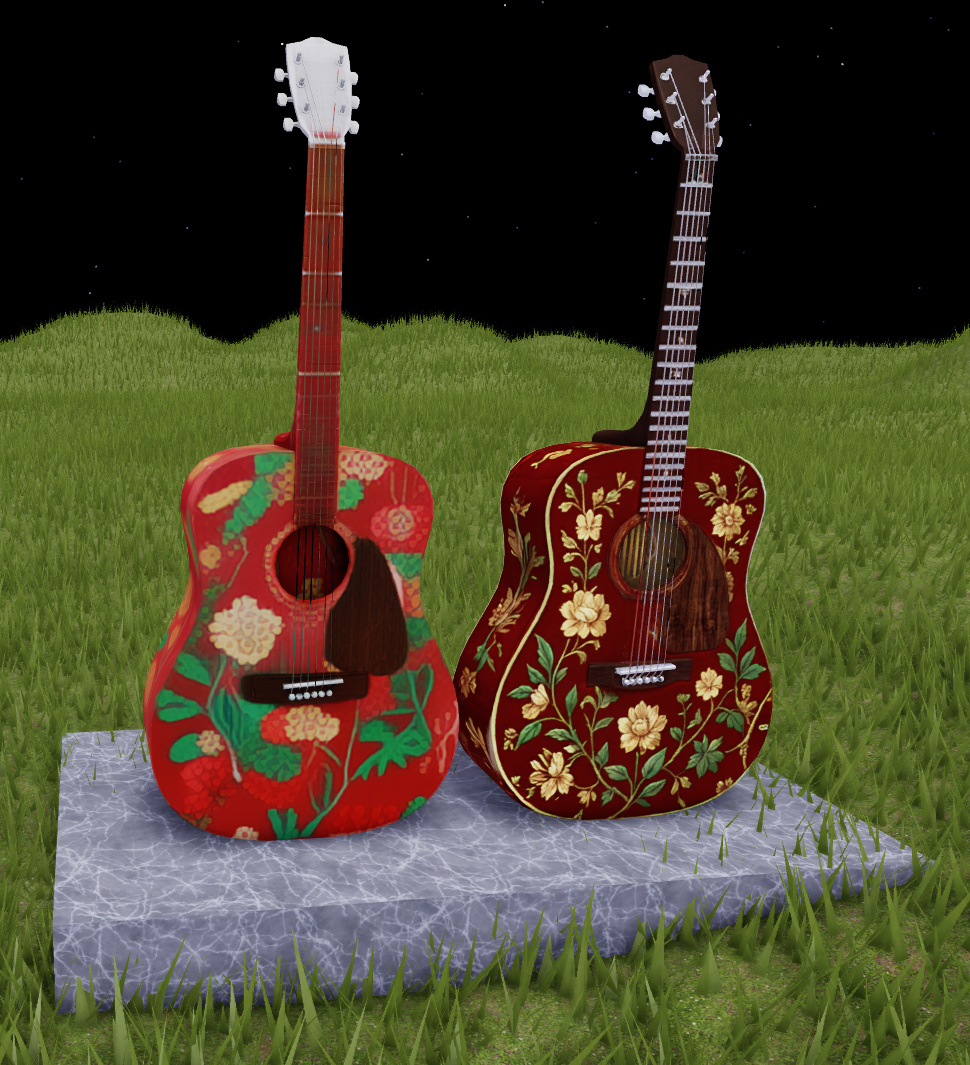
Texture Generator: test in Fast, finish in Quality with 4K PBR
The beta separates quick iteration from final polish: Fast generates 1K previews while Quality creates 4K PBR with roughness and metalness. Learn when to use each mode and which limits to avoid.