

Announcement dated October 19, 2026 · Researched: October 19, 2026 (UTC). Sources: [Roblox announcement](https://devforum.roblox.com/t/homepage-recommendation-eligibility-now-requires-a-custom-thumbnail/4945086) and [Creator Hub](https://create.roblox.com/docs/production/publishing/thumbnails). AI-assisted writing.
What changed
Roblox announced that, starting October 19, games with only a default thumbnail are not eligible for Home page recommendations. Upload at least one custom thumbnail that represents your game.
This does not remove the experience from Continue for people who already played it. Uploading an image does not guarantee recommendations either: it satisfies this requirement, not a ranking or impression target.
What to do
- Select the game in Creator Dashboard.
- Open Configurations → Places and choose the relevant place.
- Under Thumbnails, check the Home Page tab as well as the details-page tab.
- Upload a custom 16:9 image, ideally 1920 × 1080, showing what the game actually offers, and save your changes.
Do not confuse the square game icon with this thumbnail. Check that Home has the correct image, not just the details page.
Success check: at least one custom thumbnail is configured for Home. Images remain subject to moderation and Roblox’s rules.
Was this helpful?
Keep exploring

In-experience makeup: Roblox now lets players create and save looks
Compatible experiences can now offer face, eye, and lip makeup plus eyebrows and eyelashes, with player confirmation and moderation before the item is saved.
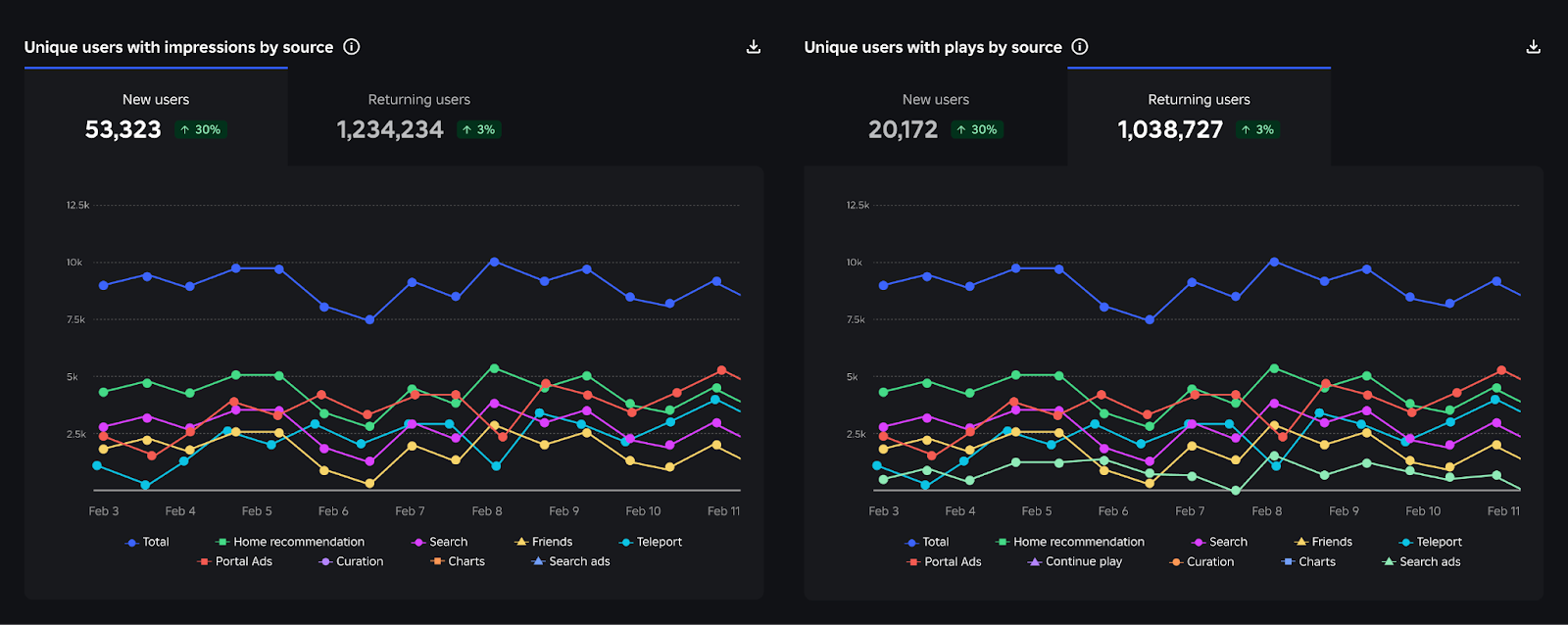
Creator Analytics changed Discovery measurement: do not compare October 12 like an ordinary day
Roblox now records Home, Search, and Charts impressions, clicks, and plays more reliably; counts may rise and PTR may fall without a real performance change.
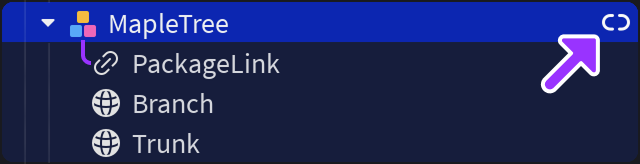
Package Overrides: edit packages without losing future updates
The Studio beta preserves local changes as overrides and reapplies them when the source package updates; everyone in Team Create should enable it.