
Evergreen practical guide. Researched: October 15, 2026 (UTC).
The saving trap
Publish saves your Custom dashboards view: leaving without selecting it loses your changes. The dashboard is visible to teammates with analytics access; it does not publish your game. This guide explains an available feature, not a launch today.
Before starting
Select the correct experience in Creator Dashboard. For group games, View analytics for experiences grants analytics access even without permission to edit the game. Per-experience access is also available: request the necessary scope, not a general administrator role.
Build a view around a question
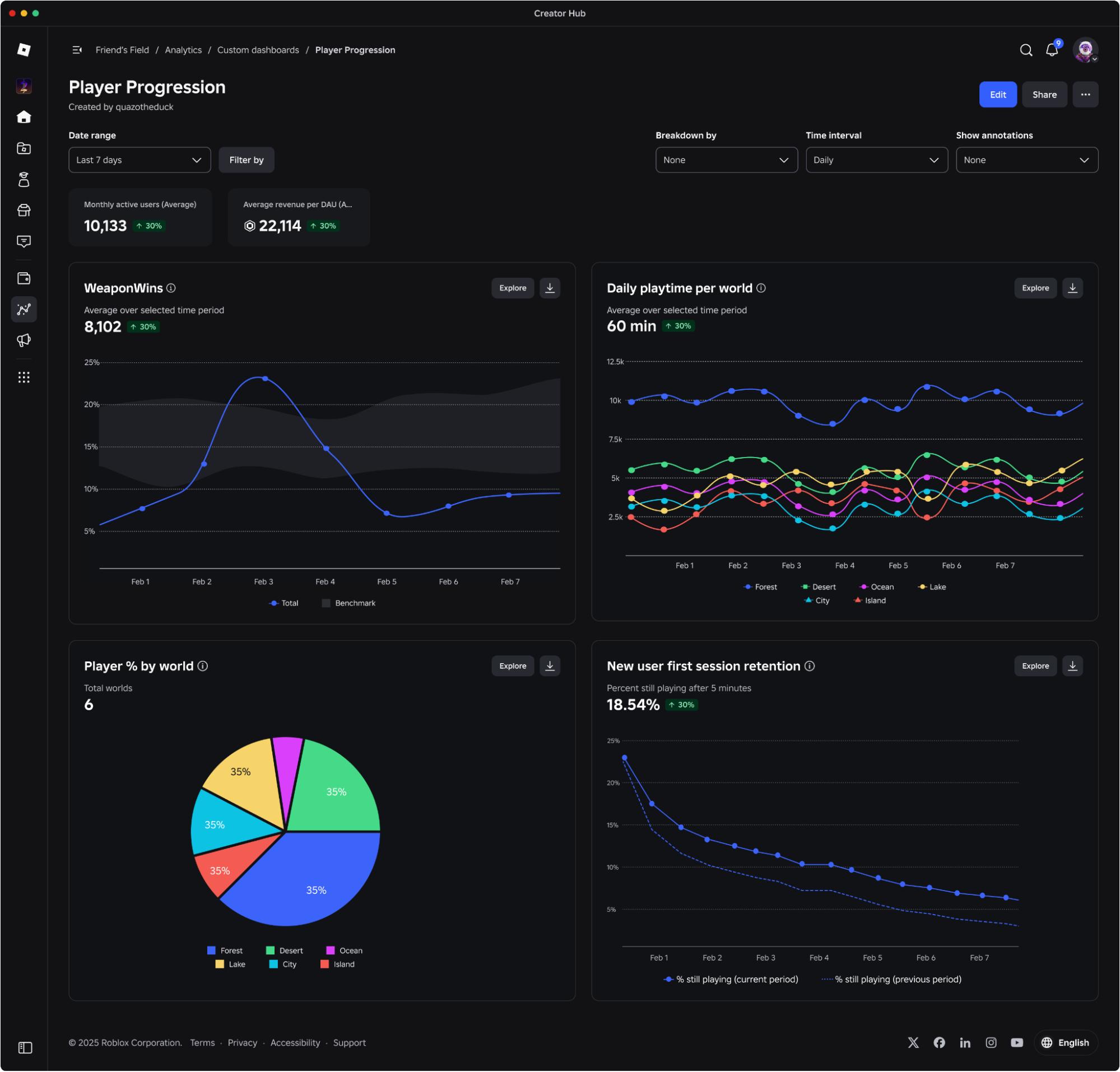
- Open Custom dashboards → Manage all → Create.
- Name it after a decision, for example “What changes between mobile and PC?”
- Add widgets and configure charts.
- Select Publish, then reopen the dashboard to check it was retained.
Choose a readable comparison
In Explore, select a source and metric, then the interval, breakdown and filters. Use lines for changes over time and bars to compare segments. A table can show several metrics together. Pie and stacked-column charts are unavailable for averages or ratios.
Editorial recommendation: keep the same period when comparing devices. If an update coincides with a metric change, that is a lead to investigate, not proof by itself that the update caused it.
Final check
Checklist: correct experience; sufficient permissions; defined question; comparable period; Publish selected; dashboard reopened. If a teammate cannot see it, review analytics access before granting game-editing or publishing permissions.
Related reading: separate functionality from design when evaluating your game.
Was this helpful?
Keep exploring

In-experience makeup: Roblox now lets players create and save looks
Compatible experiences can now offer face, eye, and lip makeup plus eyebrows and eyelashes, with player confirmation and moderation before the item is saved.
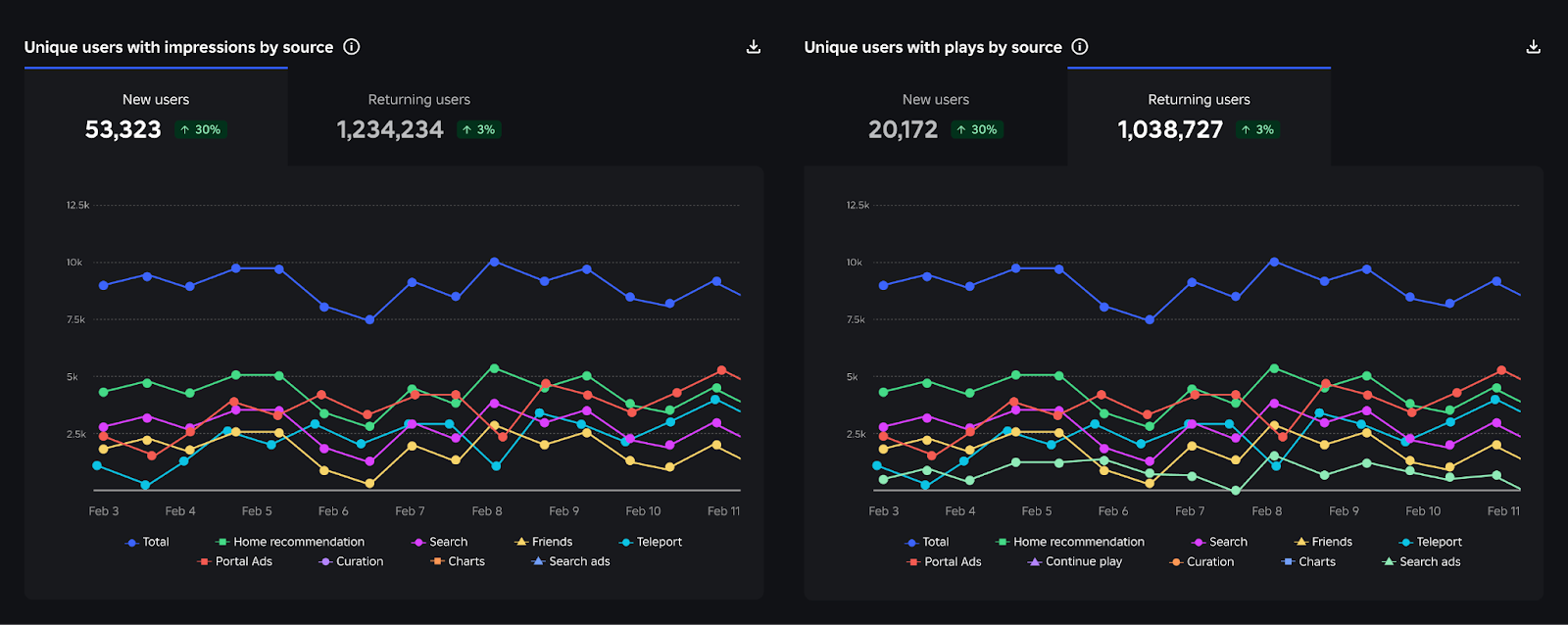
Creator Analytics changed Discovery measurement: do not compare October 12 like an ordinary day
Roblox now records Home, Search, and Charts impressions, clicks, and plays more reliably; counts may rise and PTR may fall without a real performance change.
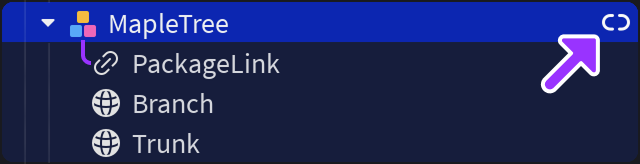
Package Overrides: edit packages without losing future updates
The Studio beta preserves local changes as overrides and reapplies them when the source package updates; everyone in Team Create should enable it.