
Quick answer
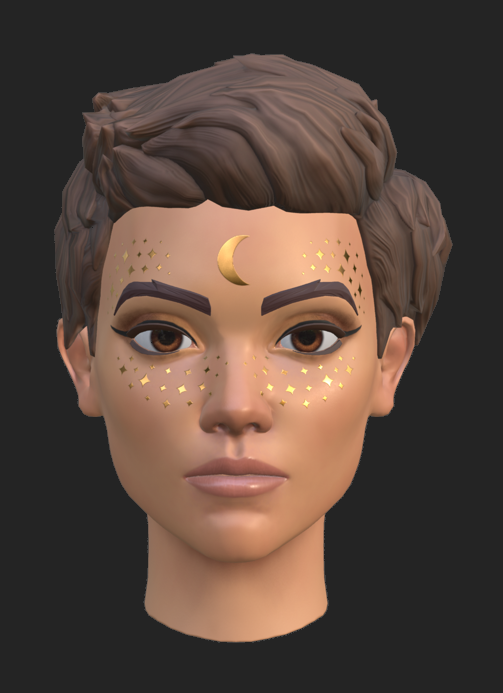
Start from Roblox's official template and preserve its structure when preparing avatar makeup in Studio. Roblox uses specific names to identify regions and textures on import. Keep the two destinations separate: the documentation specifies 1K for makeup uploaded to Marketplace and 4K for in-experience makeup creation. Those limits are not interchangeable.
Check structure before painting
The template must include a head mesh and its cage with the TransferTarget_ prefix. Regions use TransferTexture_Eyes_01, TransferTexture_Lips_01 and TransferTexture_Face_01. Increment the suffix for multiple regions of a type, such as TransferTexture_Face_02. Avoid renaming or deleting the reference head structure: objects remaining visible does not mean the importer can identify them.
Eyebrows and eyelashes are optional layered accessories. Each needs its own inner and outer cages and must meet its accessory-type requirements, with a maximum budget of 4,000 triangles each. Painting an eyebrow into a texture is not the same workflow as preparing an eyebrow accessory.
Preparation and verification workflow
- Download the official head and textures for your tools from Makeup. This workflow assumes familiarity with Blender or Maya and PBR texture editing.
- Edit the required region textures and reassign them in the modeling template. Preserve the names Studio expects.
- Export the entire template as FBX or glTF. In Blender enable
Custom Propertiesunder Include andOnly Deform Bonesunder Armature. In Maya enableSkinsunder Deformed Models. - Import into Studio. The documentation says Studio detects the names and textures and generates Decal objects. Apply makeup to the test character's
Makeupfolder; eyebrow or eyelash accessories go inAccessories. - Run Play and inspect the result on the character. This preview checks the assembly visually; it is not Marketplace approval or a moderation test.
If something fails
If components are missing on import, compare names and export settings with the original template first. If eyebrow or eyelash geometry behaves incorrectly, check its cages and accessory requirements. Do not repaint the entire look before ruling out a structural problem.
Before publishing, confirm the destination, corresponding resolution and complete export requirements. For a different need—saving player-created looks—see in-experience makeup creation.
Was this helpful?
Loading ratings…
What would help you next?
Tell us which step was unclear or which guide, item, or update you would like us to cover. Do not include personal information.
Choose Yes or No above to leave an optional comment.
Keep exploring

Roblox Studio: why TextScaled can stop text from growing
Diagnose labels that ignore Text Size and distinguish scaling, constraints, automatic sizing, and wrapping before redesigning the entire interface.
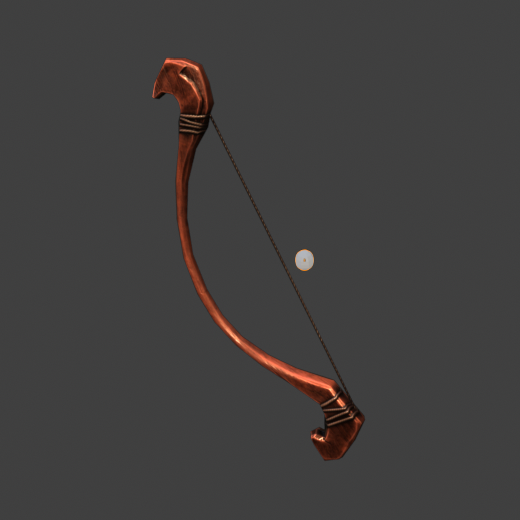
Accessory moving incorrectly? Check its Attachment before rebuilding the mesh
Geometry, anchoring and fit solve different problems. Learn what to inspect in Studio and why a shoulder ornament can follow the arm.
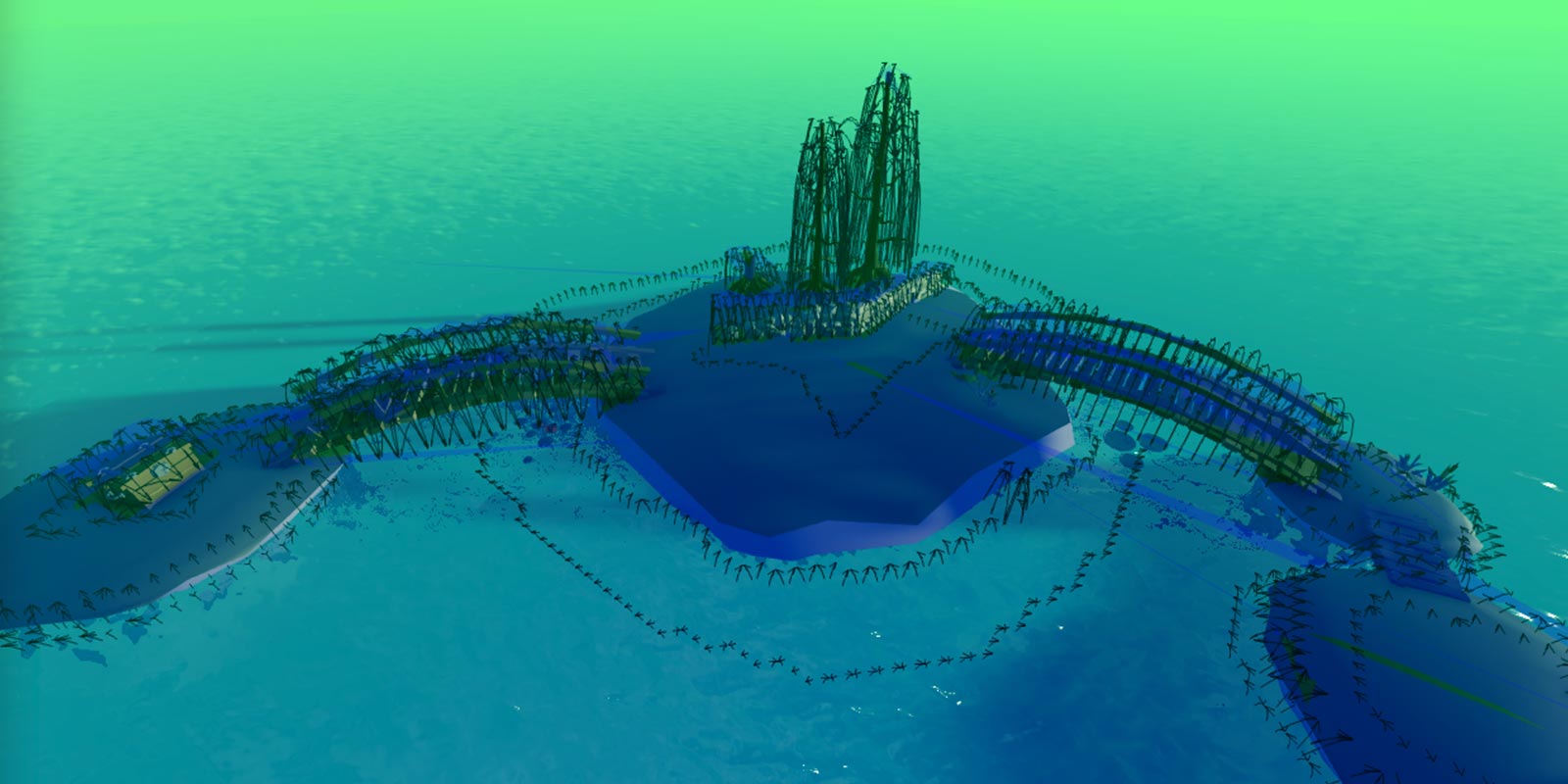
Roblox pathfinding: do not recompute a route for a blockage left behind
Distinguish NoPath from a later obstacle and check the Blocked index before restarting the character’s route.