

Beta announced September 10, 2026 · Research: October 22, 2026 (UTC). Sources: [official announcement](https://devforum.roblox.com/t/studio-beta-expanding-the-character-controller-library-new-default-abilities-custom-abilities-api/4863739) and [CCL documentation](https://create.roblox.com/docs/characters/character-controller-library). AI-assisted writing.
Quick answer
The Character Controller Library (CCL) turns actions such as running, jumping, climbing, and swimming into configurable abilities. It also lets you register custom abilities — such as dash, aim, block, or crouch — with conditions, inputs, and callbacks. It remains an opt-in beta, so test it in a copy before replacing movement in a published game.
How to enable the test
- In Studio, open File → Beta Features and enable AvatarAbilities Character Controller Library.
- Restart Studio if prompted.
- Open Avatar → Avatar Settings.
- Under Movement, switch Abilities to Character Controller Library.
- Run a playtest with every keyboard, gamepad, and touch control supported by your experience.
What you can configure
Each default ability appears as a configuration available at runtime. You can change attributes or physics controllers and decide which capabilities remain enabled. For a custom action, the API separates its identity, the input that starts it, the world conditions that keep it active, and the callbacks that apply or remove the effect.
One important limit
Do not disable Running unless you intend to prevent ground movement. Roblox also recommends keeping Getting Up enabled when Falling Down is enabled; otherwise, a character can fall without recovering its posture.
How to test a custom ability
Start with one small action, such as a dash. Register it from the server, assign an input and a clear condition — for example, being on the ground — apply the impulse on start, and add a cooldown. The documentation says callbacks can run in predicted client simulation and authoritative server simulation, so their behavior must be deterministic.
Common mistakes
Do not use a specific key as the logical identity: CCL works with actions and input slots that are later bound to keyboard, gamepad, or touch. Do not place input inside RunsWhile either; that field describes world conditions. For Hold or Toggle actions, the input mode controls when they end.
Success check
The test passes when default abilities preserve expected movement, the custom action appears on supported devices, and client and server produce the same result. Keep the previous controller version so you can revert if the beta changes.
Checklist: test copy → beta enabled → Avatar Settings → basic abilities checked → small action registered → keyboard/gamepad/touch reviewed → client-server behavior compared.
Was this helpful?
Keep exploring
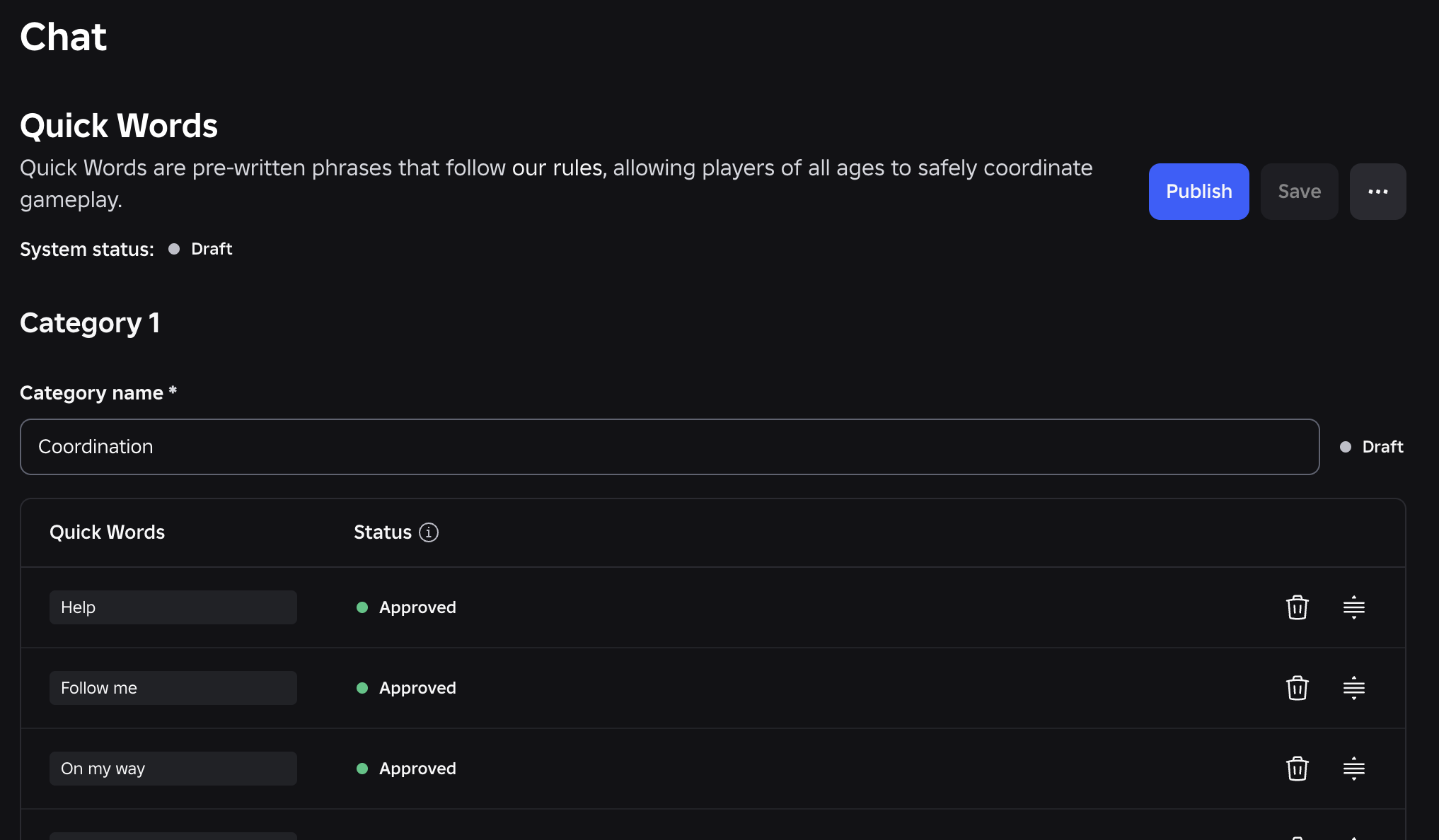
TextChatService: test platform-integrated chat before May 2027
Roblox announced three phases for moving custom chat to native systems. Enable the Studio test, review what your code can no longer read, and revert if you find a blocker.

In-experience makeup: Roblox now lets players create and save looks
Compatible experiences can now offer face, eye, and lip makeup plus eyebrows and eyelashes, with player confirmation and moderation before the item is saved.
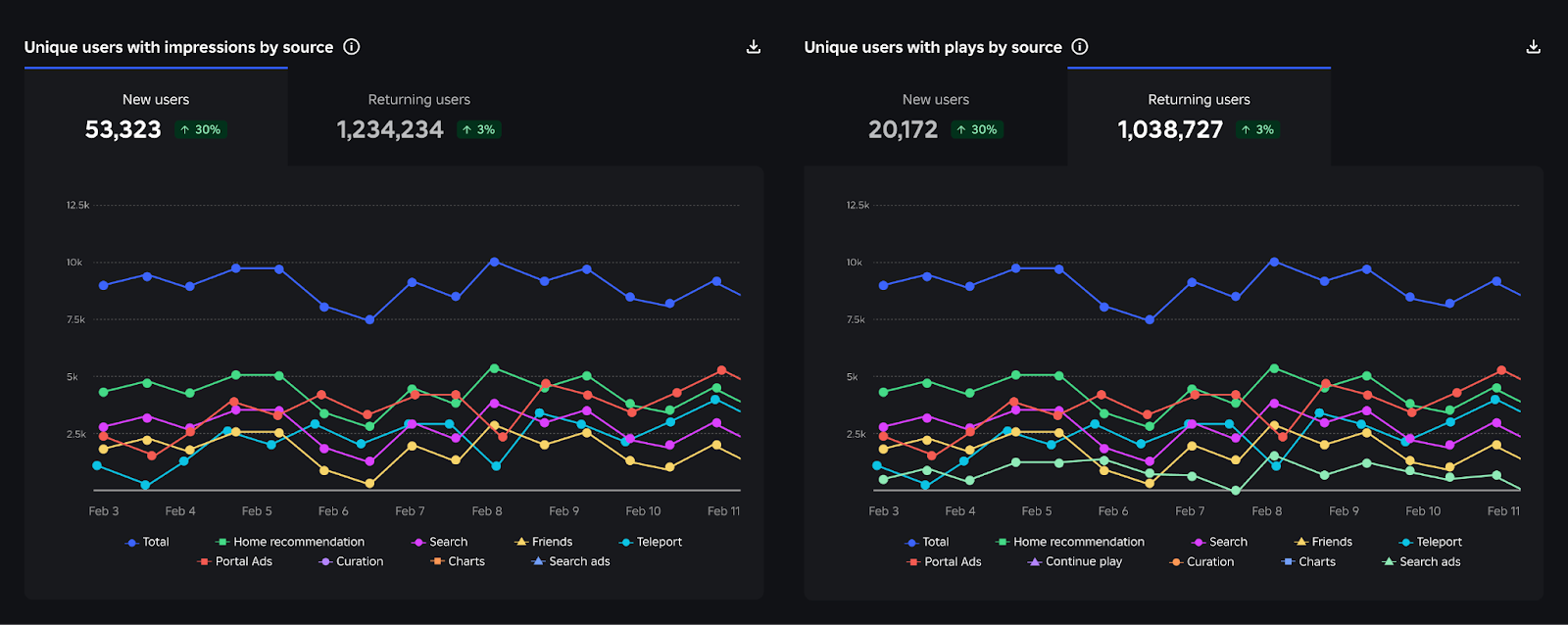
Creator Analytics changed Discovery measurement: do not compare October 12 like an ordinary day
Roblox now records Home, Search, and Charts impressions, clicks, and plays more reliably; counts may rise and PTR may fall without a real performance change.