
Quick answer
According to TDS Wiki, the Battlepass uses Solar Requiem Shards: enemies drop them and you collect them by walking nearby. It has free and Premium tracks; the wiki lists 399 Robux and 21,655 Shards for completion. Confirm prices and requirements in the current panel.
Steps
- Open the pass and choose a target reward.
- Play a mode you can complete, collecting drops during waves.
- Check your balance and available levels afterward.
- Check whether your target belongs to the free or Premium track before buying.
Editorial strategy
Prioritize consistent wins over a difficulty that repeatedly defeats you. Set a small goal and check how much your balance increased after each session.
Mistakes and success check
Do not assume buying Premium completes levels or that each ground pickup equals one Shard. Checklist: track checked, drops collected and progress confirmed.
Was this helpful?
Keep exploring
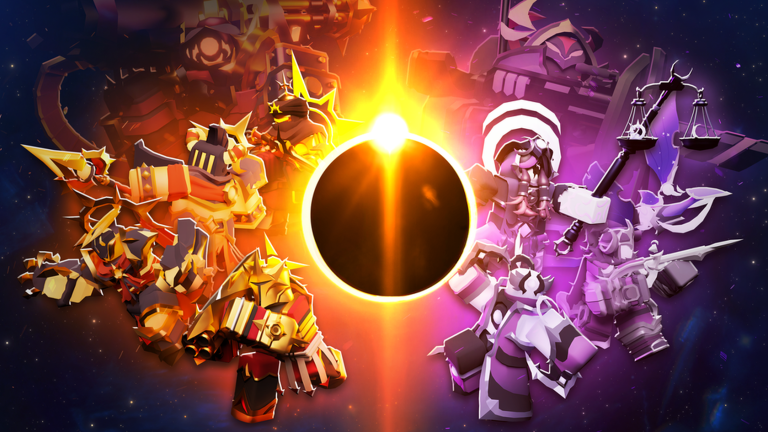
TDS Sun & Moon Crate: How to Get It and Which Skins It Contains
Purchase and possible match drops: distinguish the crate from Battlepass rewards before spending.
TDS 2.14: Solar Requiem Night I, Battlepass and Sun and Moon Crate
The official description now lists version 2.14.0. What is confirmed and how to distinguish it from content announced for the rest of October.