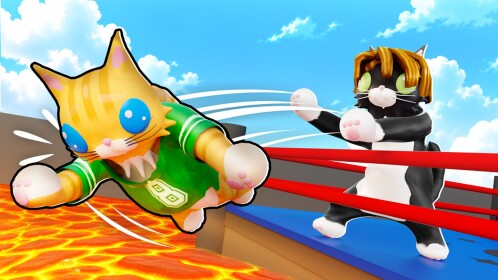
Evergreen guide · Researched: October 20, 2026 (UTC). Sources: [AllThingsHow](https://allthings.how/cat-battles-roblox-how-to-carry-someone/), [official controls](https://www.roblox.com/games/130906410042392/Cat-Battles) and [CatBattles.com](https://catbattles.com/how-to-play/). AI-assisted writing.
Quick answer
On PC, hold right-click to grab and, without releasing it, hold Shift to lift. Shift alone does not replace the grab.
Requirements and steps
You need a mouse, keyboard and another cat within reach; these are PC controls.
- Get close to your opponent: grabbing from too far away misses.
- Hold right-click until you grab them.
- Add Shift and keep both controls held while walking.
- Confirm the opponent is lifted and a vertical white stamina gauge appears.
- Release before it empties. Once it runs out, you drop the opponent and your cat briefly collapses.
Mistakes to avoid
Lifting is not elimination: the goal is to send opponents out of the ring without falling out yourself. The carried cat can still punch you; carrying someone for too long is risky.
Editorial tip: choose a short route before grabbing. Do not chase an elimination while ignoring the edge.
Checklist: close range → grab → Shift → lifted opponent and visible gauge → release in time.