
Evergreen guide. Researched October 13, 2026.
Quick answer
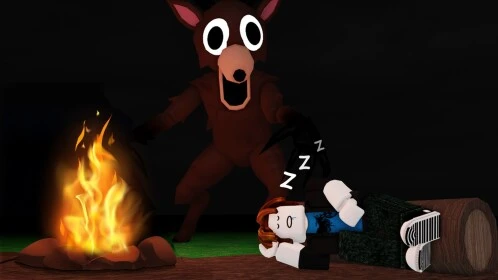
To revive another player, you need a Bandage or Medkit, not just food. Equip it, approach the fallen teammate, and hold the revive interaction; on PC, E. If the location is dangerous, you can carry the body in your sack and recover them somewhere safer.
Requirements
A teammate must remain able to act and have a recovery item. Look for bandages or medkits in chests and clinics; loot is not guaranteed. Check the prompt on your platform rather than assuming PC keys apply on mobile.
Procedure
- Locate your teammate and check nearby threats.
- If it is unsafe to stop there, use the pickup interaction to put the body in your sack; on PC, F. Take it to camp and remove it before attempting the revive.
- Select the bandage or medkit in your hotbar. An item lying nearby does not replace equipping it.
- Stand beside the body and hold E, or the displayed interaction, until recovery completes.
- Confirm that the player can move again before resuming exploration.
Which item to use
Both can revive. If you have bandages, our editorial recommendation is to save the medkit for a greater healing need. If you only have a medkit, use it to recover your teammate; saving the item is pointless if the team cannot continue.
Common mistakes
Trying to revive with food, accidentally using a bandage on yourself, starting beside enemies, or leaving the body inside the sack. An inventory bandage also does not automatically let a dead player use it on themselves: this guide covers reviving someone else.
Success check and checklist
- [ ] An active teammate has a Bandage or Medkit.
- [ ] The body is outside the sack and the location permits the interaction.
- [ ] The item is equipped and recovery completes.
- [ ] The recovered player can move again.
Related reading: prepare resources for your first days.
Was this helpful?
Keep exploring

99 Nights: Spooky Decorating requires 30 decorations at once in your base
The badge does not ask you to buy 30 objects or split them across runs: 30 Halloween decorations must be placed in your base simultaneously.

99 Nights: Carving 30 requires carving pumpkins in a single game
The badge requires 30 carved pumpkins in one game; collecting them or spreading the carving across separate runs does not meet that requirement.
99 Nights: building the Respawn Capsule is not enough; charge it
Separate construction materials from the activation charge, and remember what to do after using this revival reserve.