
VIREAL
100 Gems
Availability unconfirmedAvailability dates
Expires: Not announced by the creator
Published and available code · Researched: October 22, 2026 (UTC). Primary source: [official Mini Empires page](https://www.roblox.com/games/11755449133/Mini-Empires). AI-assisted writing.
Quick answer
Use `VIREAL` to receive 100 Gems in Mini Empires. The official description still displays both the code and reward. We did not claim it on an account during this review.
Requirement
First join the VIREAL Roblox community. Community documentation and recent guides agree that membership is required for this code to process.
How to redeem
- Open Mini Empires and reach the main menu. 2. Select the Codes button with the legacy Twitter icon. 3. Enter `VIREAL` exactly in uppercase. 4. Press Redeem and wait for the 100-Gem confirmation.
If it does not work
Confirm that your account already appears in the VIREAL community, then rejoin the game so membership refreshes. Remove spaces and preserve capitalization. If the game reports that it expired even while the official description still lists it, treat the in-game response as definitive for your account.
Success check
Redemption succeeds when a success message appears and your balance rises by 100 Gems. The creator has not announced a reward start or end date.
Checklist: join community → main menu → Codes → VIREAL → Redeem → check balance.
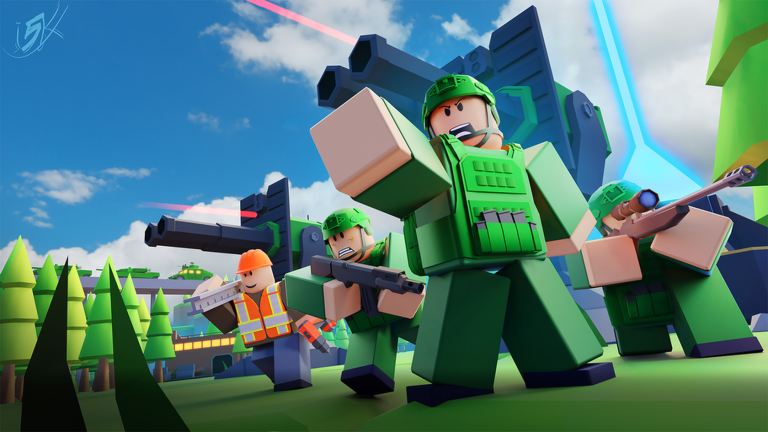
![[🎃 AIR DEFENSE] Mini Empires](https://tr.rbxcdn.com/180DAY-bf32da009e91d46b9c046c4cd4e62ee6/512/512/Image/Png/noFilter)
Was this helpful?
Keep exploring
Mini Empires v0.11.0: Air Defense, tutorial, and lower network usage
Air Defense can now answer helicopters, the tutorial grants 100 Gems, and synchronization sharply reduces network traffic. Here is what changes in your first match.