
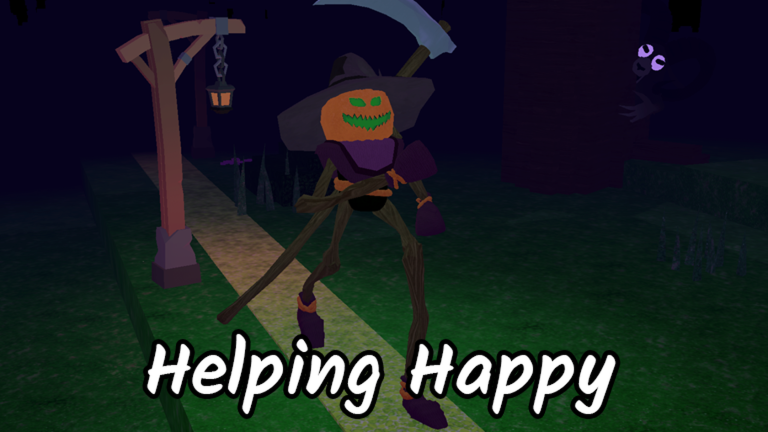
Creator patch notes · Official registry
Changes worth checking
- Map and compass: the compass shows more shopkeepers and trinkets. Icons for structures without chests mark that you have visited them.
- Sounds: entities should no longer have silent footsteps; some sounds are no longer global.
- Mobile: the lobby includes a button-size setting. Tapping a player icon on the map lets you see their avatar.
- Base: the hammer can disable furniture seats and move base teleporters.
The creator also reports mouselock fixes and a correction involving MREs in the crock pot. These are published notes, not our own functionality tests.
Recommended practical checks
- Adjust your buttons before leaving camp if you play on mobile.
- Review visited markers while exploring to avoid repeating routes.
- Try the new hammer actions when it is safe.
Do not extend the reported fixes to items or situations the announcement does not mention.
RELATED GAME99 Nights in the ForestPlay on Roblox
Was this helpful?
Keep exploring

Guides
99 Nights: Spooky Decorating requires 30 decorations at once in your base
The badge does not ask you to buy 30 objects or split them across runs: 30 Halloween decorations must be placed in your base simultaneously.

Guides
99 Nights: Carving 30 requires carving pumpkins in a single game
The badge requires 30 carved pumpkins in one game; collecting them or spreading the carving across separate runs does not meet that requirement.
Guides
99 Nights: building the Respawn Capsule is not enough; charge it
Separate construction materials from the activation charge, and remember what to do after using this revival reserve.